1. Service menu code
2 / 8
1. Service menu code
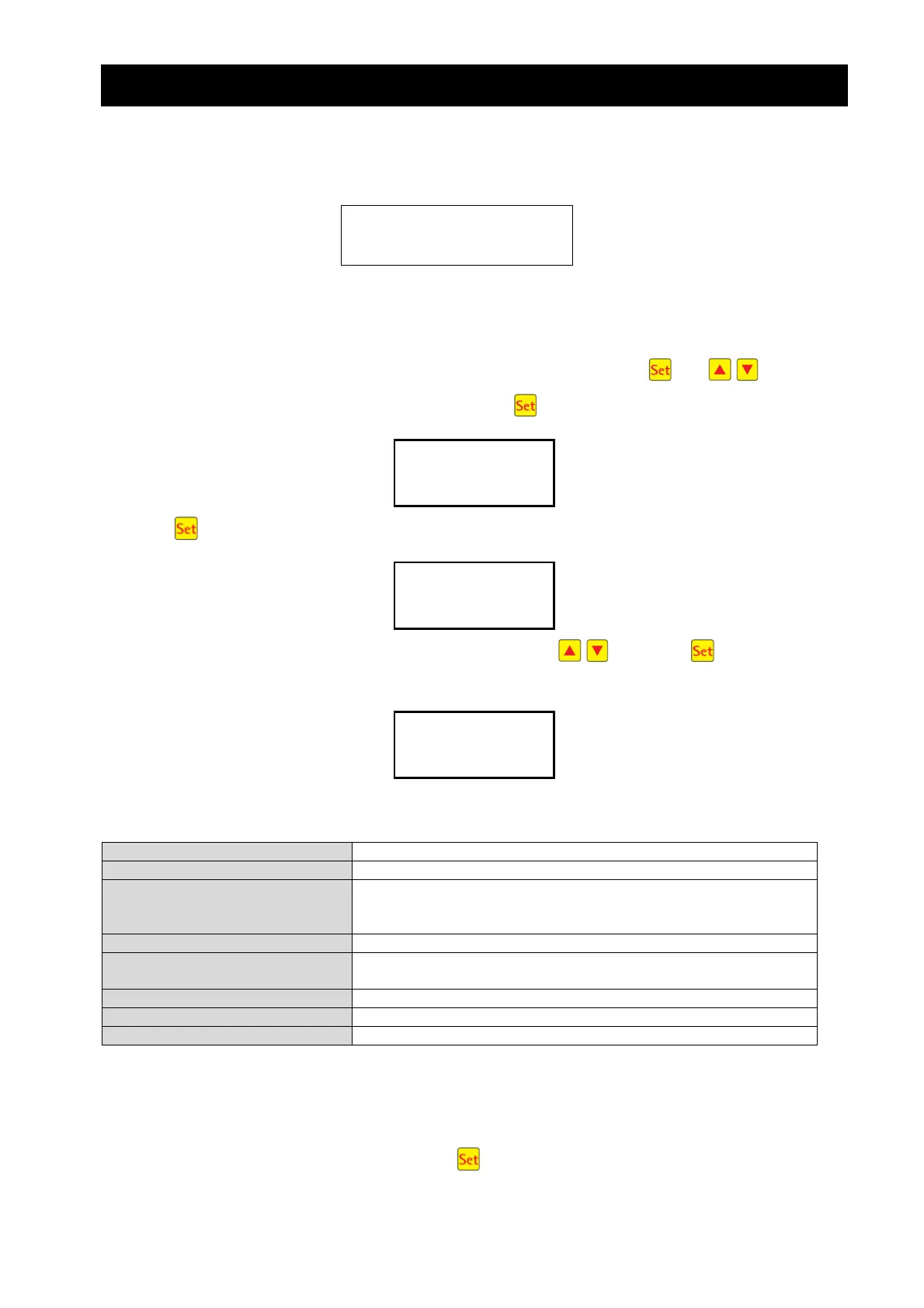
Control times can only be altered in the service menu. The code for this is
2013
2. Service level
A range of queries can be run at service level, including the configuration of settings.
To reach the service level, select the menu point “Service menu” by pressing and at operator
level. Access the service menu by repeatedly pressing the button. The following appears:
Pressing again brings up the prompt to enter the code.
The 4-digit code “2.0.1.3” can be entered using the arrow keys . Press the button to confirm
this entry. The following appears:
The individual menu points and their meaning are displayed below:
Basic setup Pre-programmed basic setup with set cycle times
Duration period Cycle T1-12,
Cycle pause T13,14
Holiday mode T15,16
Number of cycles Maximum 24 cycles
Starting times Times for cycle start
e.g.: 07:00, 19:00
Cycle restart Program is restarted with current settings
Clear logbook “Operating hours meter” and “Old faults” are deleted
Languages Various languages can be selected
2.1 Basic setup selection
After successful login, the menu point “Basic setup” appears on the screen. Access the selection of pro-
grammed basic setups by repeatedly pressing the button.
Basic setup
Code: _
service code




 To Next Page