18
Servicing:
Make sure the appliance is switched off at the mains before service is performed on
electrical parts.
Control lights
The following control lights are located at the display:
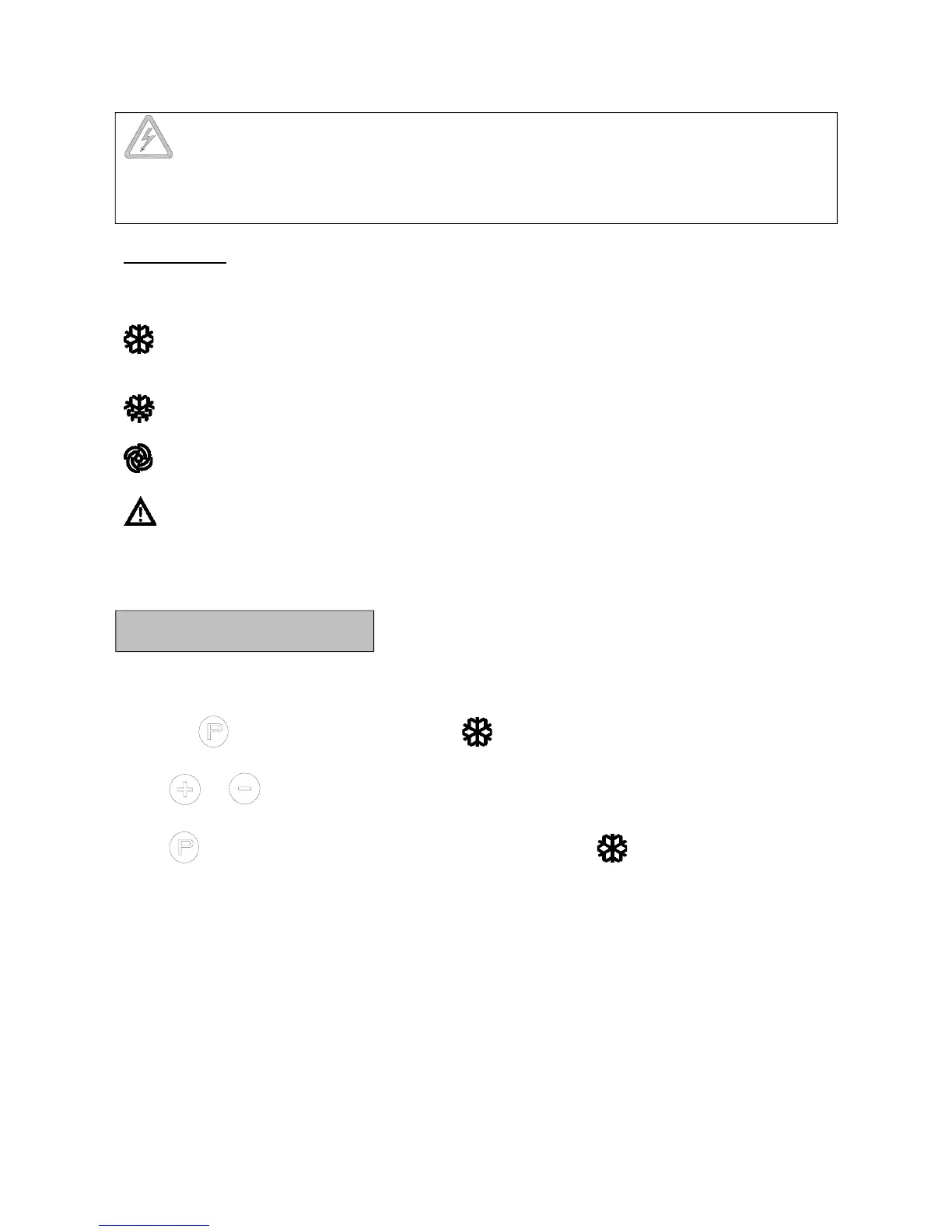
Compressor. This LED is on while the compressor is running. Flashes during
temperature setting.
Defrosting. This LED is turned on during defrosting cycle.
Evaporator fan. This LED is turned on while the evaporator fan is running.
Alarm. This LED is turned on if an alarm occurs. See chapter on temperature alarm
and errors.
Temperature setting
The temperature is set as follows:
Push the button, the compressor lamp flashes.
Push or to set the temperature.
Push again to save the set value. The compressor lamp is turned off, unless the
compressor is running.
Alternatively, do not operate any buttons for 15 seconds, the controller switches back to
temperature display, and the set value is saved automatically.
If there is a power failure, the controller will remember the settings. When the power
returns, the cabinet will start up again.



 To Next Page