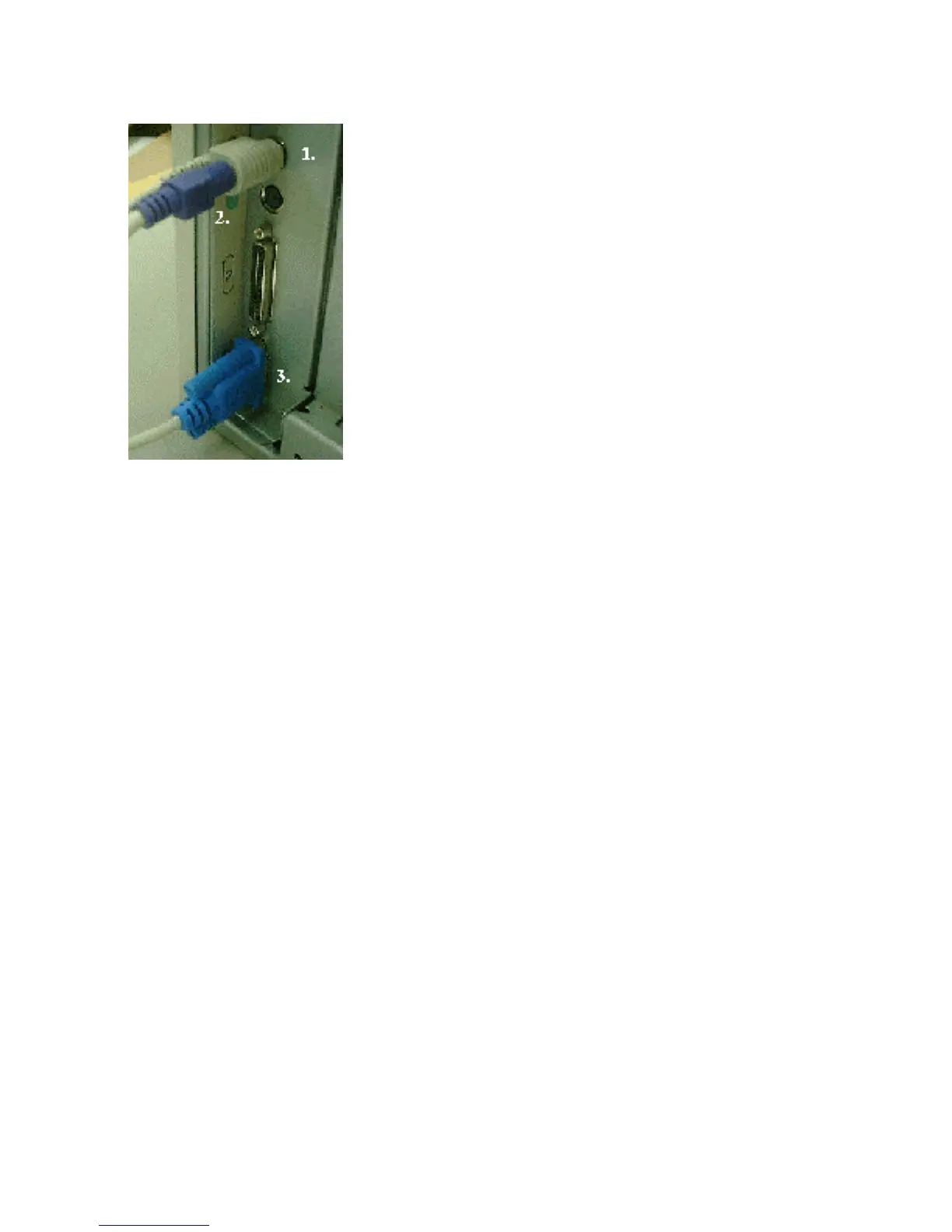
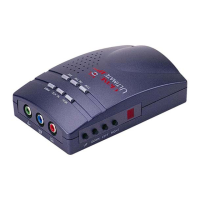
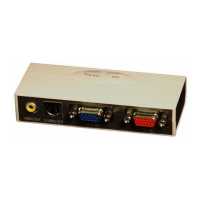
Figure B
NOTE: Do NOT plug in the keyboard power cable while the computer is
on!
B1. Connect the Keyboard Power Adapter (there are two
different types included - use the type that fits into your
keyboard port) to the keyboard port of your computer or the
mouse port of the your laptop. If you do not have a keyboard
port, you will need to purchase an external power supply. See
information regarding EXTERNAL POWER SUPPLY in the
trouble-shooting section of this guide.
NOTE: Laptop users connect the keyboard power adapter to the
keyboard/mouse port.



 To Next Page