B2. Connect the keyboard into the back of the keyboard power
adapter if you require an external keyboard.
Note: Laptop users may not require this step B2.
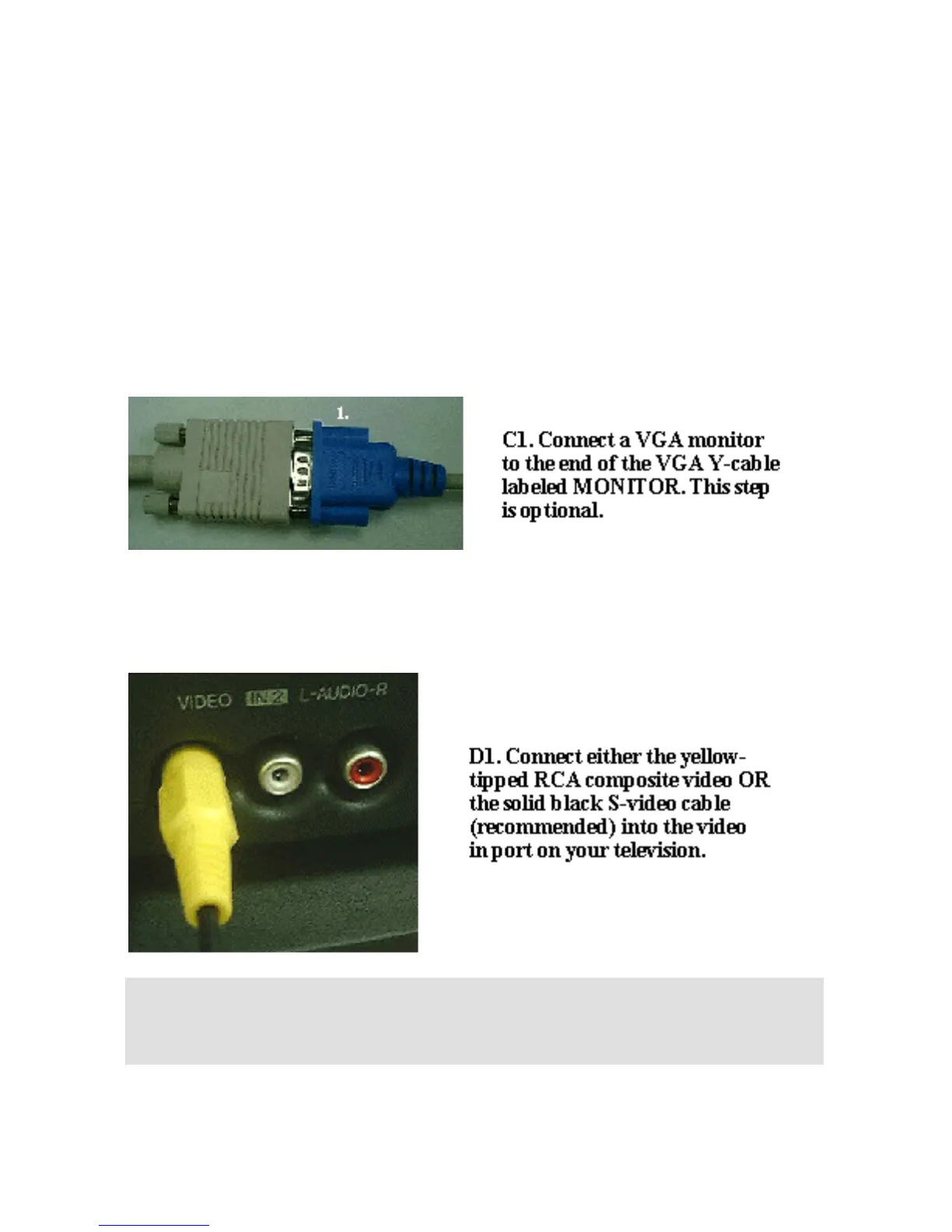
B3. Connect the end of the VGA Y-cable labeled PC to the
monitor (or VGA port) on the desktop or laptop.
Figure C
Note: Laptop users may not require step C1.
Figure D
Note: Grand Ultimate 2000 also supports high quality S-VIDEO. If
your TV or VCR supports S-VIDEO IN, we highly recommend you
use it to get the best TV picture.



 To Next Page