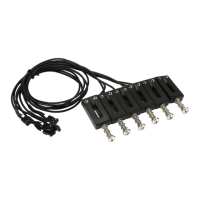
Remove the strings and the bridge saddles from the guitar.
Remove the entire bridge assembly.
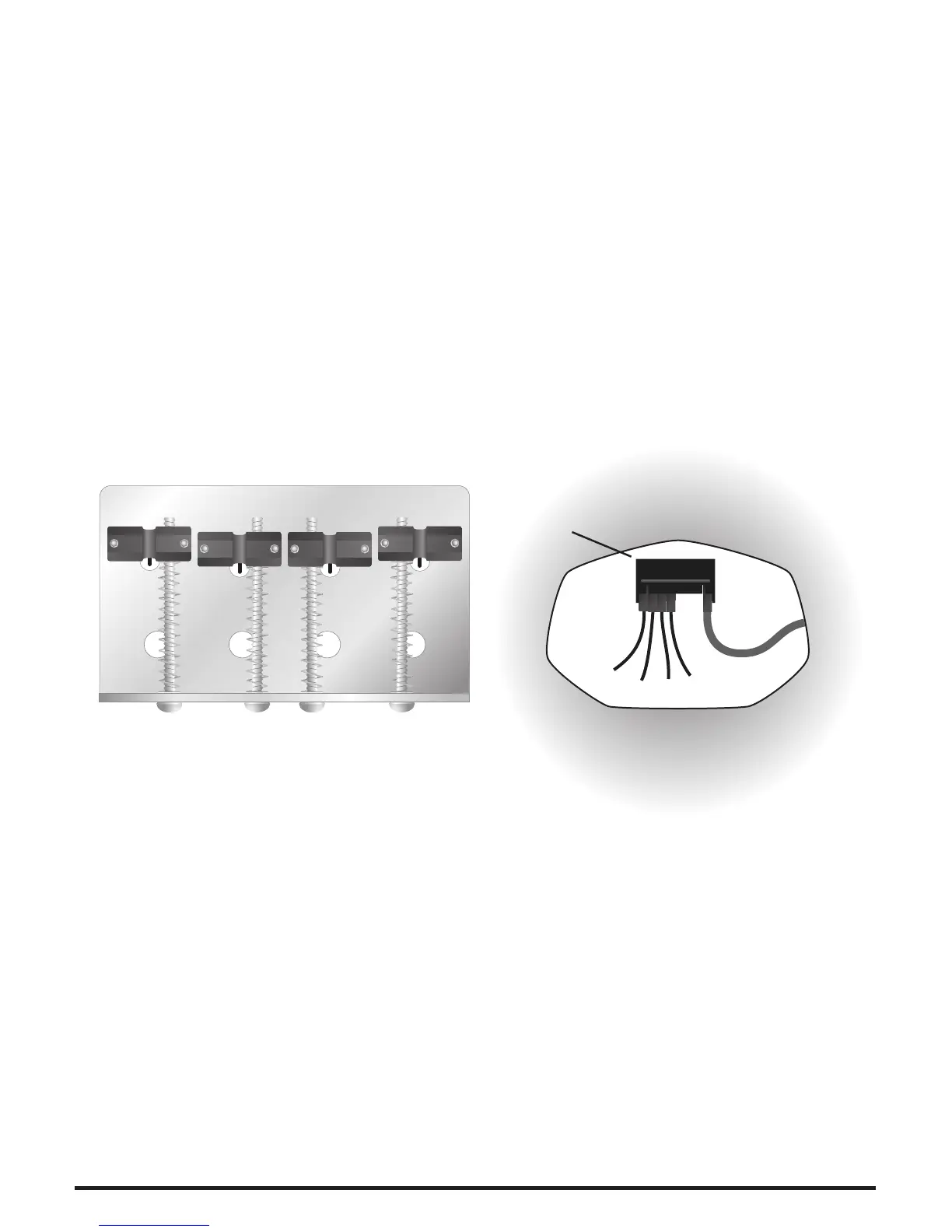
Drill holes in the bridge plate beneath each saddle, after setting intonation, to
allow the pickup wires to be routed through to the bridge cavity (Diagram 3).
Install the GHOST Pickup System saddles on the bridge plate. Route the wires
through the new holes.
Connect the wires from the pickups to the common connector block. Be sure
to match correct lead color to string (see Pickup Color Codes, page 22).
Connect the dual connector cable assembly to the spare position on the
common connector block and route the other end through to the control cavity.
Re-install the bridge assembly, arranging the pickup wires so that they are not
damaged.
Jazz
®
or Precision
®
Style Instruments
•
•
•
•
•
•
Remove the strings and the saddles from the guitar.
Remove the bridge pickup.
Install the GHOST Pickup System saddles. Route the wires through the pickup
cavity.
Re-install the bridge pickup.
Connect the wires from the pickups to the common connector block. Be sure
to match correct lead color to string (see Pickup Color Codes, page 22).
Connect the dual connector cable assembly to the spare position on the
common connector block and route the other end through to the control
cavity. Re-install the bridge assembly, arranging the pickup wires so that they
are not damaged.
•
•
•
•
•
•
Les Paul
®
Style Instruments
Bridge Plate Inside the Bridge Cavity
Connector
Block
Diagram 3.
E
A
D
G


 To Next Page
 Loading...