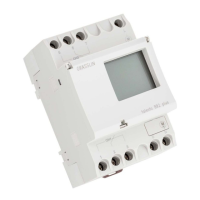
LAN
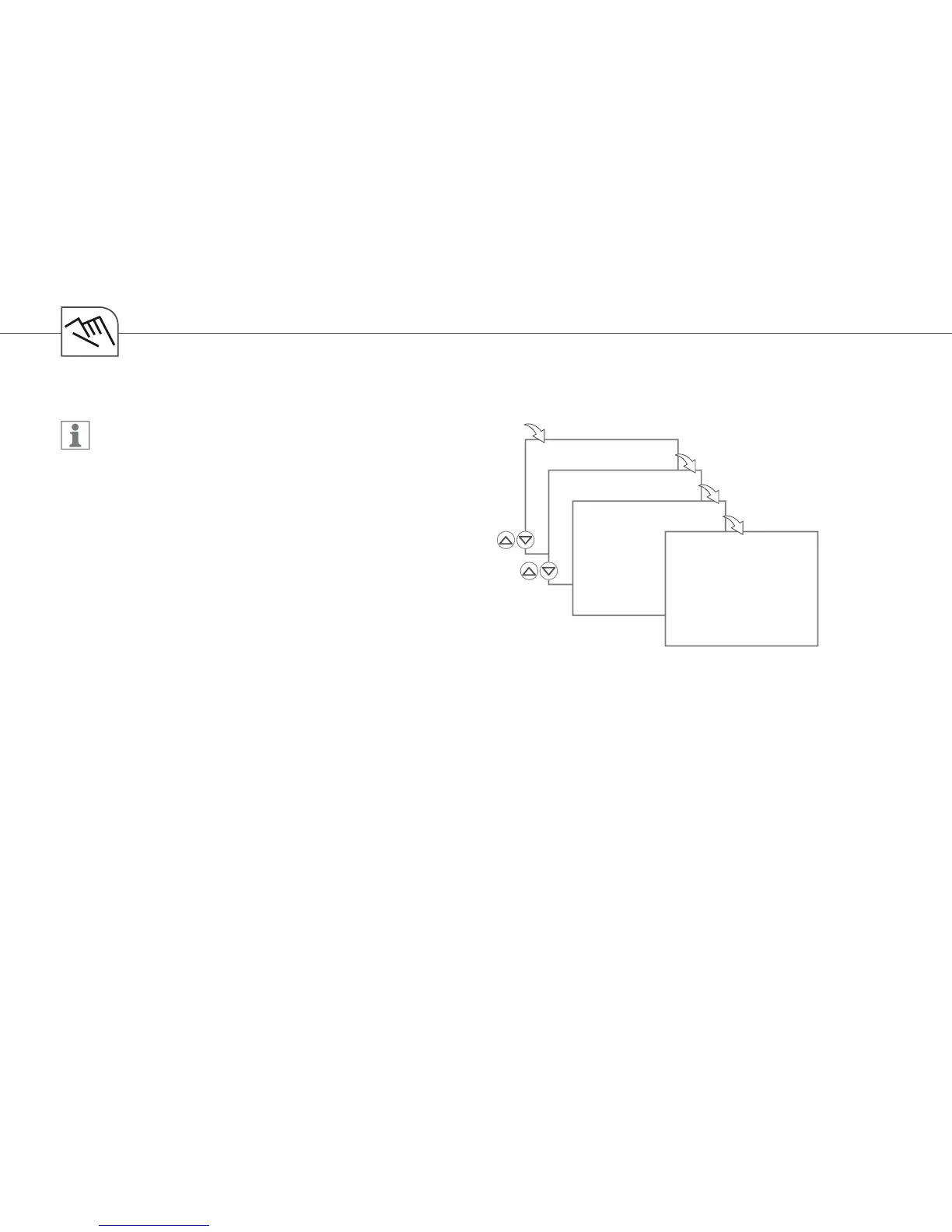
ADD LAN
OK
OK
PUSH
LAN
KEY
OK
SYNCHRON
LAN
82
Add LAN module
Each LAN module must be added via the
Timer menu!
Communication between the LAN module
and the timer takes place via Powerline
Communication (PLC)
LAN module and timer must be operated in
the same phase
The distance between the two devices must
not be more than 50 meters
For synchronization, you must press the COM key on the LAN module
After successful synchronization, the timer display shows a conrmation
The PLC LED (yellow) on the LAN module goes on
If synchronization is not successful, the message SYNCHRON ERROR is shown on the timer
display
Select DEL EXT, to remove the LAN module


 To Next Page
 Loading...