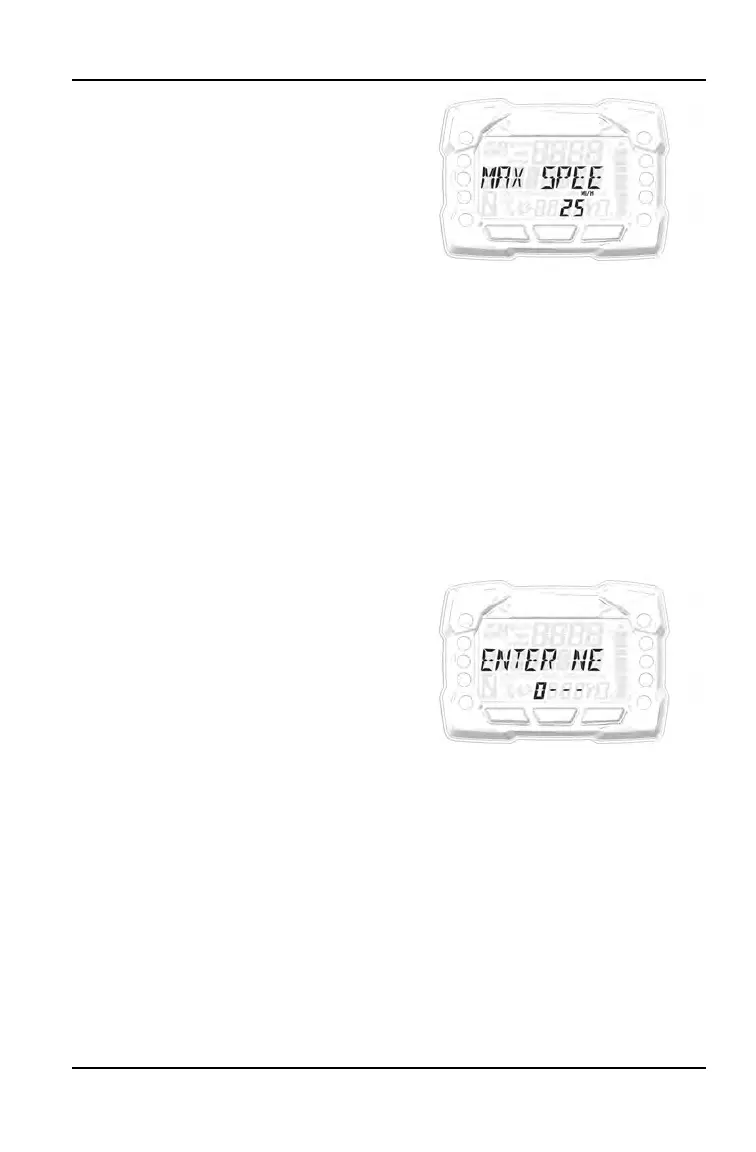
6. To change the max speed:
a. Press the MODE button on the
MAX SPEED screen.
b. Use the up and down buttons to
toggle between the different
settings: 15 MPH, 20 MPH, 25
MPH, 30 MPH, 35 MPH, or OFF.
When MAX SPEED is set to
OFF, the vehicle’s max speed is
40 MPH.
c. When your preferred setting is
displayed on the screen, press
the MODE button to select it.
This will change the max speed
to your selected value and return
you to the Options Menu.
d. The max speed will remain at the
selected value even if the vehicle
is turned off and back on again. It
does not need to be reset every
time the vehicle is restarted.
7. To change the PIN:
a. Press the MODE button on the
CHANGE PIN screen.
b. ENTER NEW PIN will scroll
across the screen. Enter the new
4-digit PIN by using the up and
down buttons to change the
digits and the MODE button to
select each digit.
c. Once you have selected all 4
digits, NEW PIN SET will scroll
across the screen. The screen
will then go back to its default
display.
51
FEATURES AND CONTROLS


 To Next Page