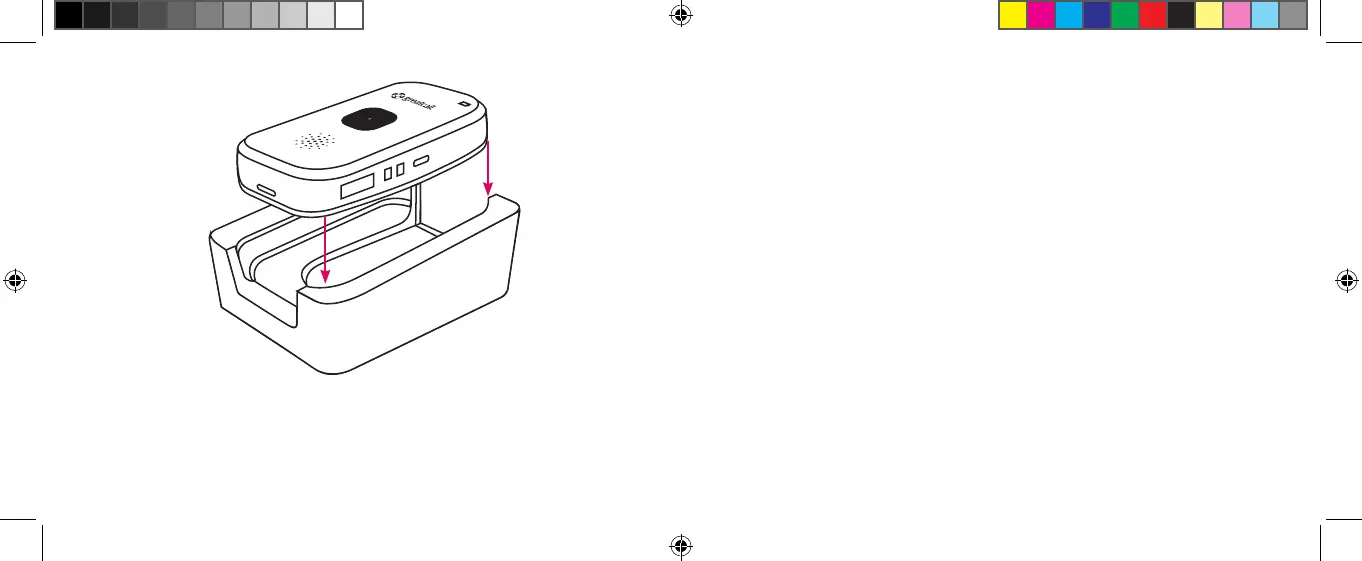
Inserting The 5Star to the Charging Cradle
3. The Battery Indicator will blink green during the charging
process. Once fully charged it will remain solid green.
4. To remove the device from the Charging Cradle, simply
grasp The
5
Star and lift up and away from the Charging
Cradle. You will hear a tone from the Speaker indicating
that it is no longer charging. Unless additional charging is
required, the Battery Indicator will turn off to save power.
5Star_gen2_UserGuide_111252013_WJC.indd 34-35 11/25/2013 3:47:52 PM



 To Next Page