8
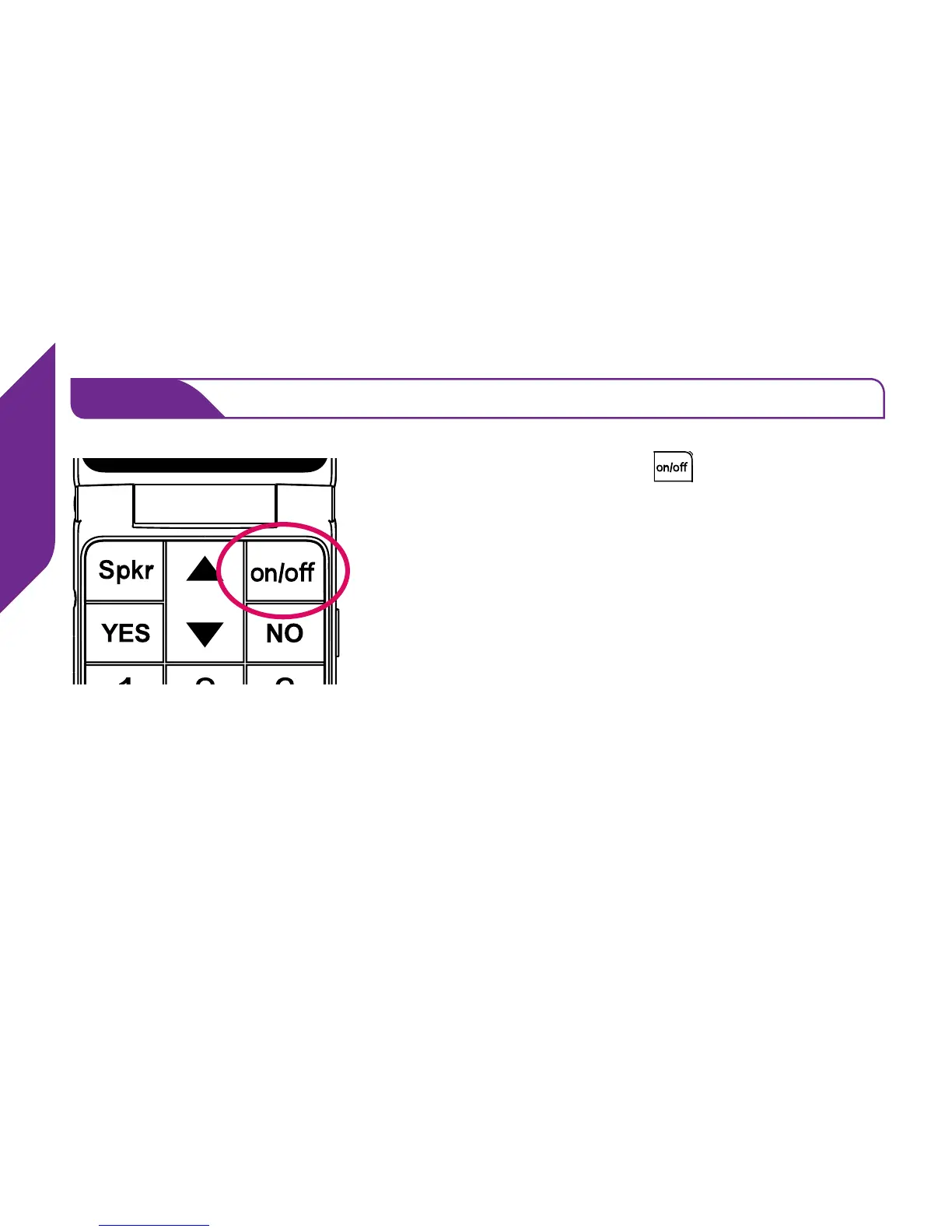
Turn on your Jitterbug to complete set up.
STEP 3
Press the On/Off Button ( ) and your phone
will automatically complete the set up process.
This process may take a few minutes and you
may notice the phone restart a few times. Once
complete, you will see a screen “Phone was set
up successfully!”
You’re now ready to enjoy the benets of your easy-to-use Jitterbug phone.



 To Next Page