Need help?
Do you have a question about the GreatCall Lively Wearable2 and is the answer not in the manual?
Call the provided number to activate and connect your Lively Wearable2 to your smartphone.
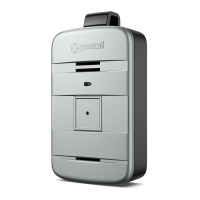
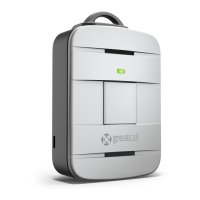
Lists the items included with your Lively Wearable2: device, lanyard, wristband, and extra battery.
Learn how to attach the device to the lanyard for fall detection or wear it on the wristband.
Step-by-step guide on pressing the button, speaking to an agent, and receiving assistance.
Guidance on when to use the 5Star service for various personal safety scenarios.
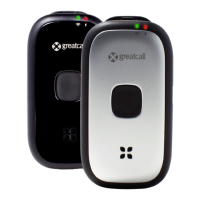
Explains the meaning of different color and pattern combinations on the device's indicator lights.
Details on how the Lively app connects to your device and provides features like status monitoring and profile updates.
Information about the GreatCall Link app for sharing your status and notifications with contacts.
Tips on how to clean the device and replace the battery, including where to find replacements.
 General
| Brand | GreatCall |
|---|---|
| Model | Lively Wearable2 |
| Category | Security System |
| Language | English |


 To Next Page