Need help?
Do you have a question about the GreatCall lively and is the answer not in the manual?
Lists the essential items included in the Lively box for setup and use.
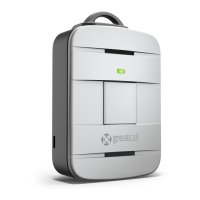
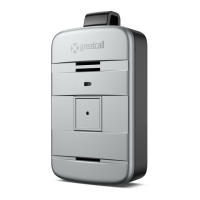
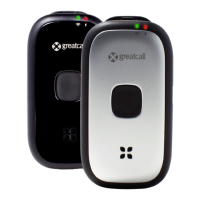
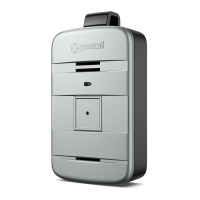
Details the components and indicators of the Lively device, including buttons and lights.
Provides step-by-step instructions for activating the Lively device after purchase.
Instructions on how to power on the Lively device and what to expect.
How to contact 5Star Urgent Response service using the Lively device.
Instructions for making a direct 9-1-1 call in critical emergencies.
Overview of how the Lively device detects falls using built-in sensors.
Step-by-step process of how the fall detection feature operates.
Importance of wearing the Lively with the magnetic lanyard for accurate fall detection.
Explains the device's response and user actions during a detected fall.
Details on setting up and maintaining crucial personal emergency information.
 General
| GPS Tracking | Yes |
|---|---|
| Fall Detection | Yes |
| Two-Way Communication | Yes |
| Emergency Button | Yes |
| Manufacturer | GreatCall (acquired by Best Buy, now Lively) |
| Monthly Fee | Varies by plan |
| Network | Verizon |
| Type | Mobile Personal Emergency Response System (mPERS) |
| Water Resistance | Splash-resistant (IPX4) |

 To Next Page