Using Your Lively Alert
34
Attaching Accessories
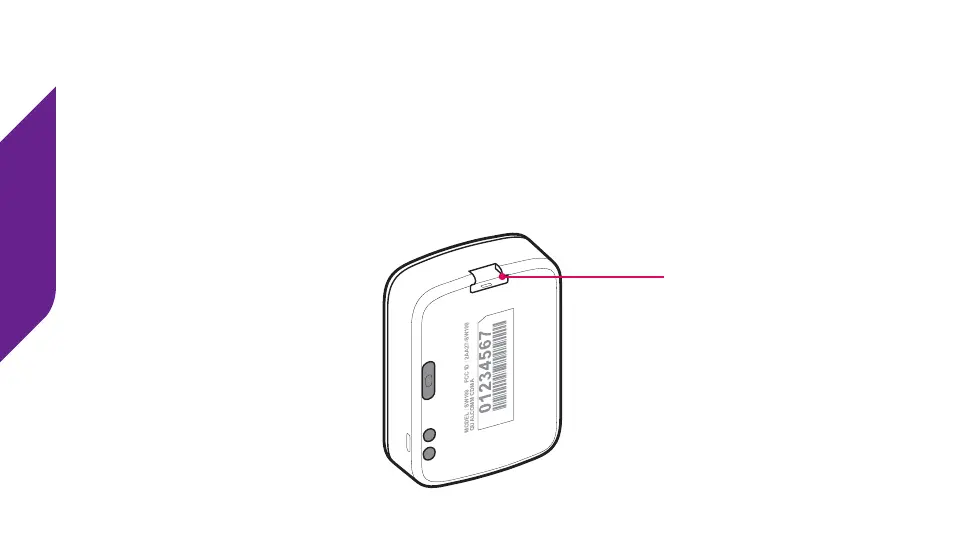
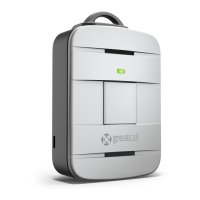
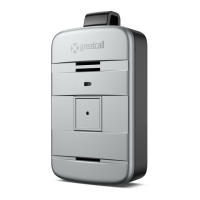
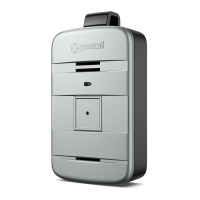
The Accessory Slot can be used to attach accessories designed specially for your
Lively, such as the included Accessory Clip and Magnetic Lanyard. To attach a
compatible accessory, slide the accessory directly from behind into the Accessory
Slot until it “clicks” into place. To remove the accessory, gently push the latch on the
accessory.
MODEL : SW100 FCC ID : 2AA27-SW100
MODEL : SW100 FCC ID : 2AA27-SW100
QUALCOMM CDMA
MODEL : SW100 FCC ID : 2AA27-SW100
QUALCOMM CDMA
Accessory Slot


 To Next Page