Getting Started
8
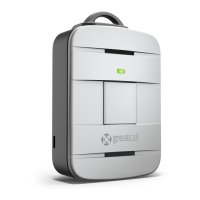
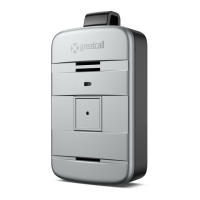
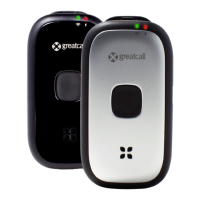
Activating Your Lively
Depending where your Lively was purchased, your device may already be activated.
The following three easy steps will guide you in powering on your Lively for the rst
time.
IMPORTANT!
Please do not turn on or charge your Lively until instructed to do so. If you turn it
on prior to setting up your account, the device may fail to activate. If the device
fails to activate, power o and start with STEP 1.


 To Next Page