Charging
14
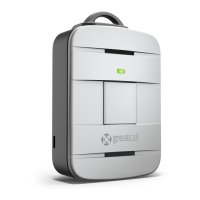
The Charging Dock
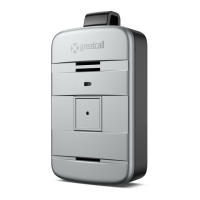
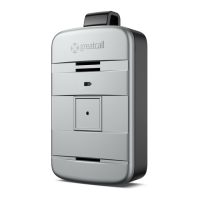
We’ve included a Charging Dock to make it easy for you to always have your Lively
fully charged and ready to go. The following will guide you through how to set up
and use the Charging Dock with your device.
1. Determine where you would like to place your Charging Dock. DO NOT PLACE
THE CHARGING DOCK IN A LOCATION WHERE IT COULD GET WET.
2. Plug the Power Cord into a compatible wall outlet.
IMPORTANT!
Do not place the Charging Dock in areas where it can get wet. If your Lively
happens to get wet, please be sure to dry it before placing it into the Charging
Dock. Failure to do so may cause an electrical shock or re hazard. The Lively is
rated to be submerged in up to 3.3 feet of water for up to 30 minutes.


 To Next Page