Managing Your Account
48
Sending a Test Call to Your Lively
You can conrm that your Lively is functioning properly by using the automated
“Test Call” feature within MyGreatCall.com.
Make sure you have your Lively in-hand before initiating a Test Call so that you can
answer when it rings. Please be patient as the Test Call can take several minutes
before your Lively will begin ringing.
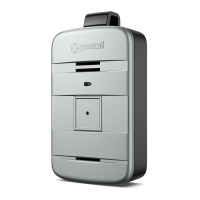
When your Lively begins to ring, press and release the Call Button to answer. The call
will automatically end once the Test Call message has completed.
i
INFO
If you press the Call Button to make a test call, please wait on the line for a friendly
5Star Agent to answer and advise them that you are making a test call.


 To Next Page