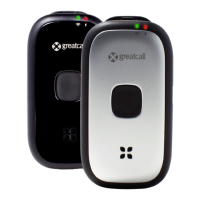
Using Your Lively Alert
35
Accessory Clip
The included Accessory Clip allows you to attach your Lively to things like your
purse, belt or pocket. Additionally, there is a loop at the top of the Accessory Clip
that allows you to attach your device to a set of keys.
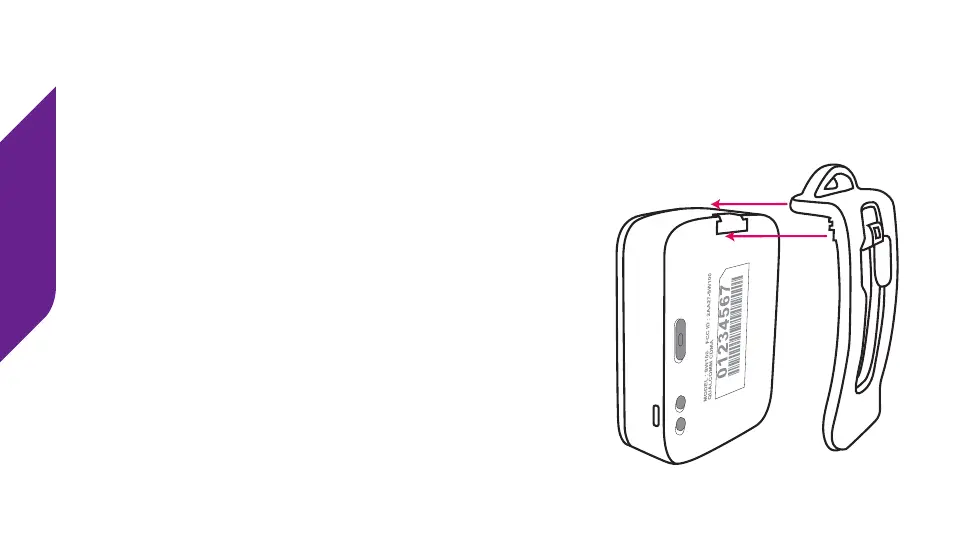
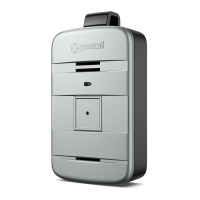
To attach the Accessory Clip, position the clip as
shown facing the back of the device. Slide the latch
into the Accessory Slot until you hear it snap into
place.


 To Next Page