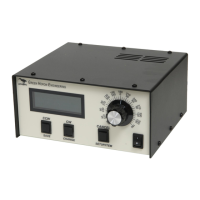
YAESU G-5400/G5500 Az El
(Also G550 Elevation)
CONNECTIONS AND SETUPS
Azimuth - Use SETUP->OPTION = G5400 or G5500
Elevation – Use SETUP ->OPTION = Yaesu
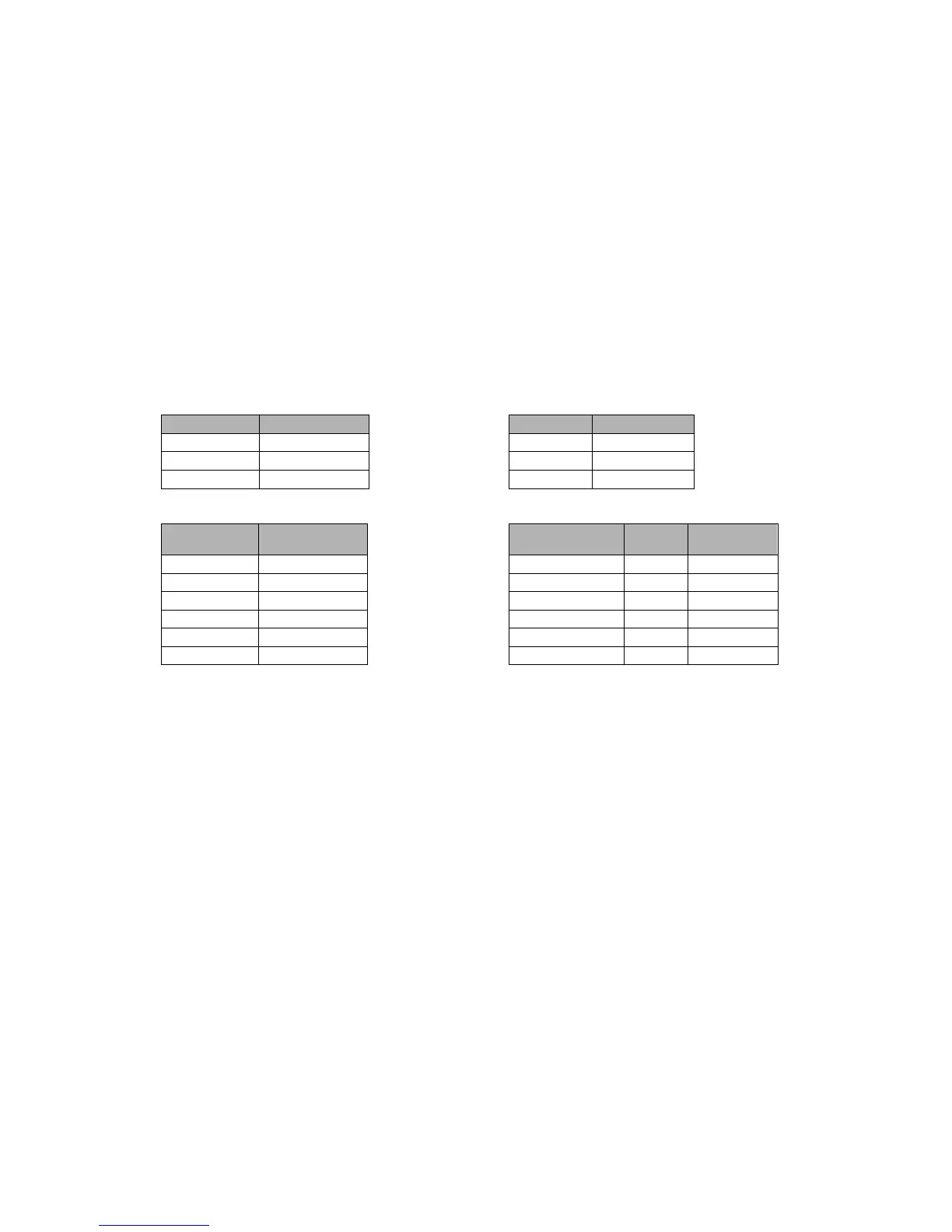
AC Motor Transformer Taps
Jumper Position Transformer
J9 Connection
J10 1-2 Brown J9-1
J14 Open Orange J9-2
J12 1-2
Position Feedback Rotor Connections
Jumper Position Function Yaesu # RT-21
REF 1 5
J5 1-2 POS 2 4
J6 1-2 GND 3 3
J16 1-2 MOT CCW 4 2
MOT CW 5 1
MOT COM 6 3
NOTE: Term 3 gets 2 wires
NOTES:
1. There should be no calibration required because the default settings provide
normal accuracy for these rotators. If you wish to refine the calibration for more
accuracy, you will need to calibrate the endpoints (180 to 180 for azimuth, and 0
to 90 for Elevation) using either RT-21 SETUP Utility, or the front panel
calibration procedure. This procedure can be found in the RT-21 manual for
various rotator types, contact the factory if you need assistance.
2. Default elevation is 90 degrees. These rotators allow for 180 degrees of
“elevation” control. To change the RT-21 to allow different elevation angles, set
the “CW” Limit to the value you want to allow. To allow full 180 degrees, set the
CW Limit to 180. To allow only 70 degrees of elevation, set the CW Limit to 70.
3. If you are using the G550, setup the elevation according to this page. For your
specific Azimuth rotator (must be an AC motor type) you would use the appendix
page for your desired azimuth rotator.
4. If your azimuth rotator is a G5400, HAMx or T2X rotator, you will need to add a
motor start capacitor across terminals 1 and 2 of the RT-21 azimuth barrier strip.
Green Heron will provide you with an appropriate capacitor on request.


 To Next Page
 Loading...