EasyManua.ls Logo

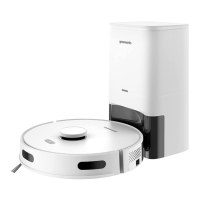
GreenWorks GRV-3011 - User Manual

GreenWorks GRV-3011
28 pages
Print Icon
To Next Page IconTo Next Page
Loading...
常州格力博集团
说明书
杨媛
徐心恺
周艳
王小妮
李海平
21.11.30
版本号
重要度等级
B
B
B A
日 期
工艺
审核
校对
设计
标记
处数
签名
日期
阶段标记
视角标记
重量 比例
批准
审定
标准化
日期
更改文件号
SCALE: A5
210mm
145mm
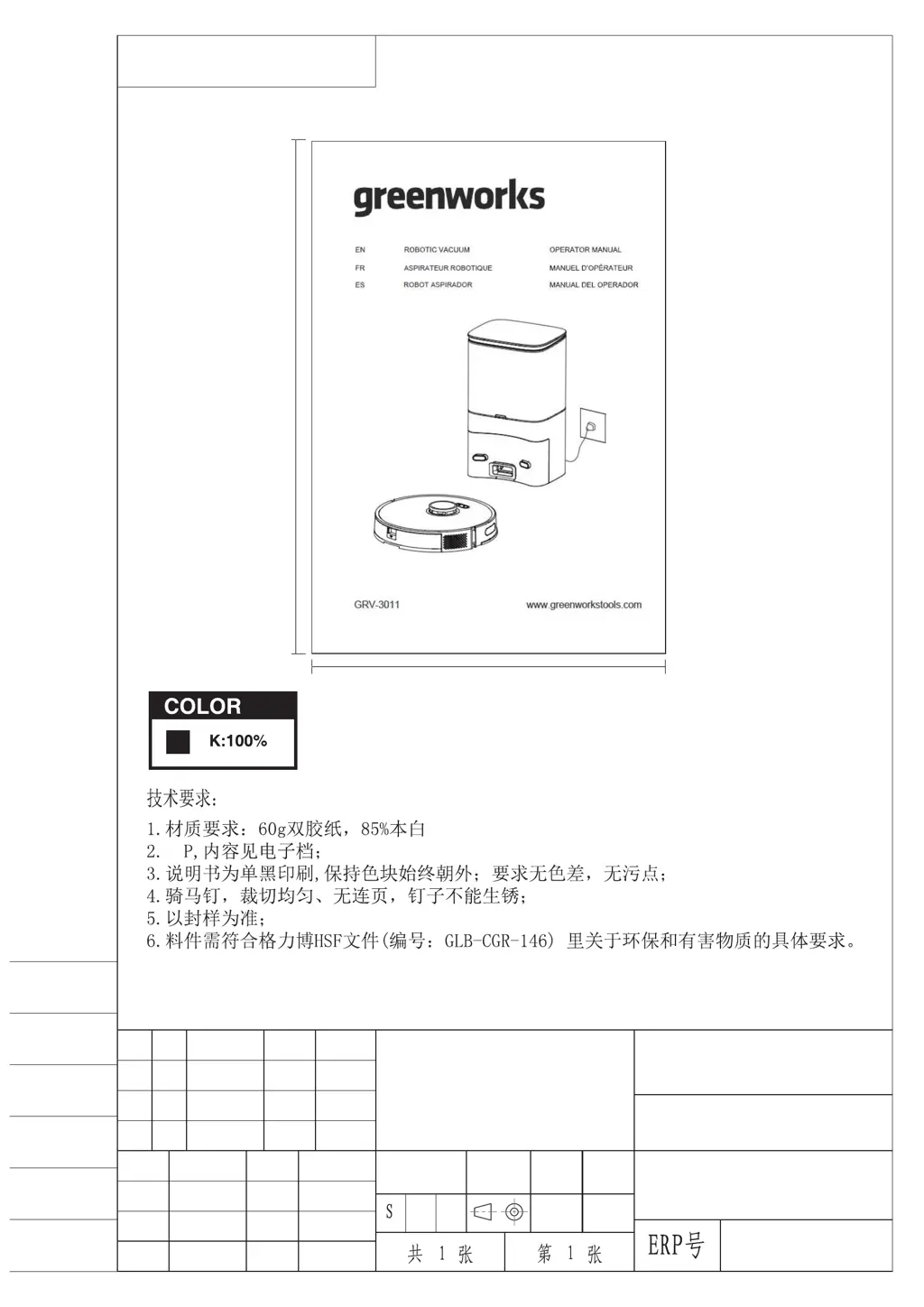
Robotic vacuum
GRV-3011
56

Questions and Answers

  • J
    Janice WatkinsJul 27, 2025
    Why is my GreenWorks Vacuum Cleaner losing suction and leaking dirt?
    • J
      jadamsJul 27, 2025
      If your GreenWorks Vacuum Cleaner's ability to clean has decreased, or you notice dirt leakage, it might be due to a full dust box. Try cleaning the dust box. Another cause could be a clogged filter, in which case you should clean or replace the filter. Also, check if the brush is entangled with any foreign matter and clean the main brush if needed.
  • M
    Michele JohnsonJul 31, 2025
    How to fix a GreenWorks Vacuum Cleaner that won't start?
    • A
      Alex EdwardsJul 31, 2025
      If your GreenWorks Vacuum Cleaner isn't starting, the battery level may be low. Place the vacuum cleaner on the charging dock or the dust dock, align it with the charging pole pieces, and toggle the switch on the left side to “I”. The unit should start automatically. Also, ensure the ambient temperature is within 32°F - 104°F, as extreme temperatures can prevent startup. Finally, ensure that the switch on the left side of the vacuum cleaner is toggled to “I.”
  • K
    Kristina BrownAug 5, 2025
    What to do if my GreenWorks GRV-3011 Vacuum Cleaner won't connect to Wi-Fi?
    • L
      loriduranAug 5, 2025
      If your GreenWorks Vacuum Cleaner is failing to connect to Wi-Fi, ensure it's in a good Wi-Fi signal coverage area. If the Wi-Fi connection is abnormal, reset the Wi-Fi and download the latest mobile app and try again. Check if you entered the password correctly. This robotic cleaner only supports the 2.4G frequency band.
  • B
    Brooke DeanAug 9, 2025
    Why is my GreenWorks Vacuum Cleaner not charging?
    • F
      fernandezjacobAug 9, 2025
      If your GreenWorks Vacuum Cleaner is not charging, remove the vacuum cleaner and check whether the indicator light of the charging dock or dust collection dock is on, and make sure that both ends of the power adapter of the charging dock are plugged in. Poor contact can also cause charging failures, so clean the spring contacts on the charging dock and the charging contacts on the vacuum cleaner. Also, ensure that the switch on the left side of the vacuum cleaner is toggled to “I.”
  • J
    Jessica MeltonAug 13, 2025
    Why is timed cleaning not working on my GreenWorks GRV-3011 Vacuum Cleaner?
    • C
      Christopher JohnsonAug 13, 2025
      Timed cleaning will only start on your GreenWorks Vacuum Cleaner when the remaining battery level is ? 20%.
  • B
    Brian HenryAug 17, 2025
    Does the GreenWorks GRV-3011 Vacuum Cleaner consume power when left on the charging dock?
    • L
      Lindsay TorresAug 18, 2025
      The power consumption is very low when the GreenWorks Vacuum Cleaner is placed on the charging dock or the dust collection dock all the time, which helps to keep the battery in the best status of performance.
  • A
    Antonio HooperAug 22, 2025
    Do I need to charge my GreenWorks GRV-3011 for 16 hours initially?
    • B
      Brittany StoneAug 22, 2025
      Lithium battery has no memory effect when in use, and there is no need to wait when it is fully charged.

Summary

Safety Instructions

Includes

Description

Basic Parameters

Summarizes parameters for the vacuum cleaner and its dust collection dock.

Vacuum

Details the components and operation buttons of the vacuum cleaner.

Dust Collection Dock

Information on the dust collection dock and its indicator LED status.

Introduction of Modules

Identifies and explains the various modules of the robotic vacuum cleaner.

Installation

Collection Dock;Charging Dock

Instructions for correctly installing the charging and dust collection dock.

Prepare the Vacuum

Steps to prepare the robotic vacuum cleaner before initial use.

APP Download and Networking Operation

Mobile Application

Guide to downloading and installing the companion mobile application.

Reset the Network

Procedure for resetting the vacuum cleaner's Wi-Fi network connection.

Add a Device

Steps to successfully add the robotic vacuum to the mobile app.

Wi-Fi Connection Failure

Troubleshooting common issues related to Wi-Fi connectivity problems.

Operation

Start and Stop the Vacuum Cleaner

Instructions for powering the vacuum cleaner on and off.

Charging the Vacuum Cleaner

Details on how the vacuum cleaner performs automatic and manual recharging.

Reset the System

Process for resetting the vacuum cleaner's system and its original settings.

Map Management

Information on how the vacuum cleaner generates and manages room maps.

Choose the Cleaning Mode

Guidance on selecting different cleaning modes via the mobile app.

Maintenance

Clean the Dustbin

Instructions for emptying and cleaning the dustbin and its filter.

Clean the Sensor

How to properly clean the various sensors on the robotic vacuum.

Clean Up the Dust Channel

Steps to clear any blockages in the dust channel of the collection dock.

Replace the Dust Bag

Guide on how to replace the dust bag in the dust collection dock.

Troubleshooting

Voice Prompts

Warranty Card

GreenWorks GRV-3011 Specifications

General IconGeneral
ModelGRV-3011
CategoryVacuum Cleaner
Voltage120 V
Cord Length20 ft
Hose Length6 ft
TypeWet/Dry