useful tips
• Important: The Movie Maker will automatically turn off when in speed “0”, but
not in speed 1-9.
• You can enable or disable the bounce-back function: On the D-Pad, hold “+”
for 3 seconds. When the dot is flashing very fast it is disabled, slow flashing
means is enabled. (When motor is idle, Dot off is disabled, Dot on is enabled).
• Use USB power for long time lapse shots. Some time lapse videos take longer
than 2 hours. Keep the unit fully charged as you never know when inspiration
strikes.
• Keep your camera secure and in sight at all times.
• Time Lapse shots are enhanced when the foreground is a static object and the
background is moving with clouds, water or people.
Visit our Facebook or YouTube pages for examples.
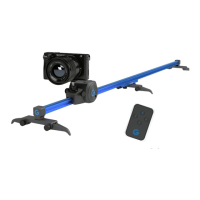
• The fold out legs are for non-flat surfaces and rarely used.
• When recording sound on speed 8 & 9, point the microphone away from the
motor or use a separate sound recorder.
32


 To Next Page
 Loading...