EasyManua.ls Logo

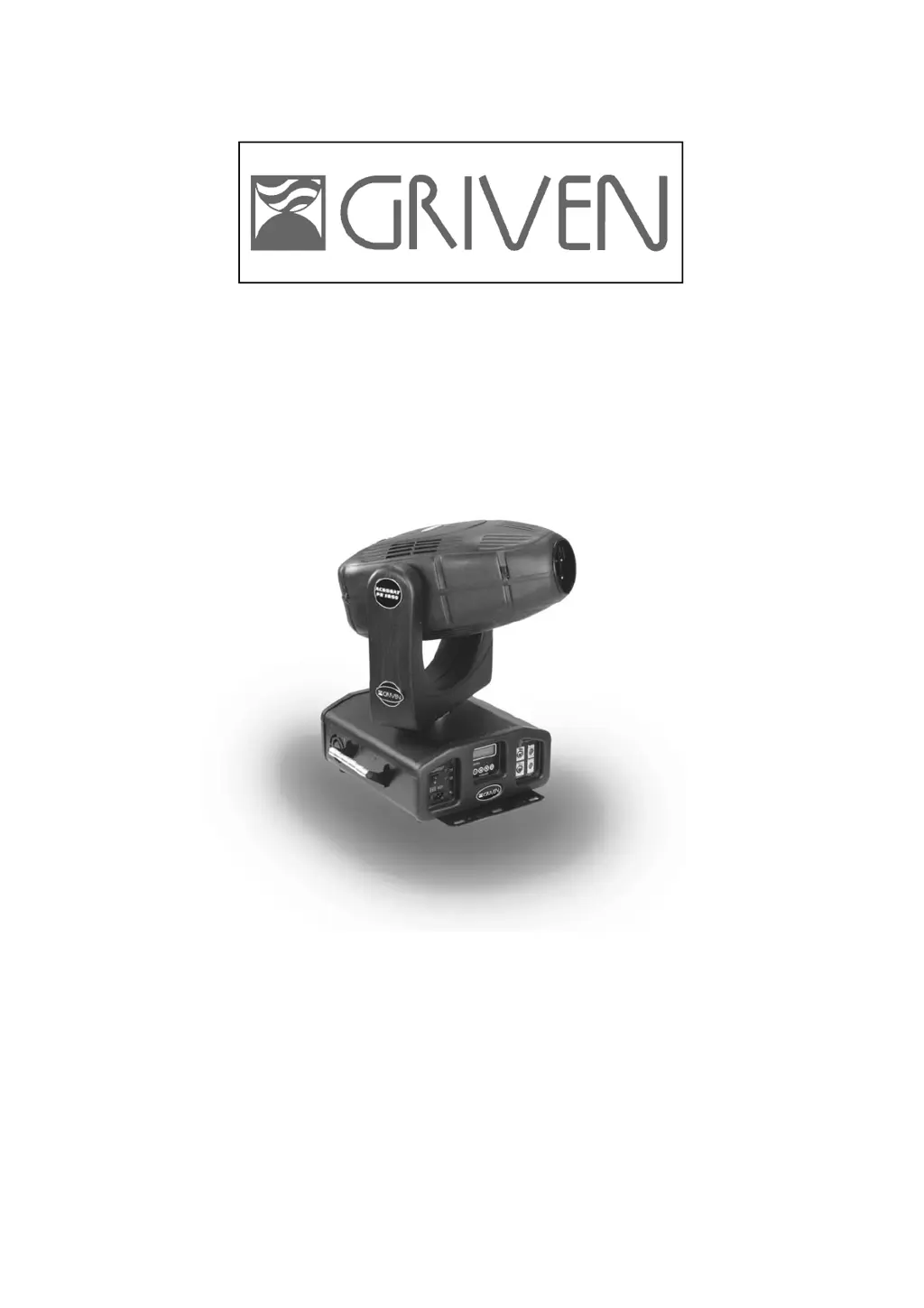
Griven ACROBAT PE 1200 - User Manual

Griven ACROBAT PE 1200
24 pages
Go to English
Print Icon
To Next Page IconTo Next Page
Loading...
MANUALE
MANUALE
TECNICO
TECNICO
ACROBA
ACROBA
T
T
PE
PE
1200
1200
GR0432 HMI
GR0432 HMI
1200
1200
W/S
W/S
MT0432 - Rev.0
08 Gen ‘03

Questions and Answers

  • J
    Jeffrey RodriguezAug 11, 2025
    What to do if the lamp does not strike in my Griven ACROBAT PE 1200?
    • A
      April MitchellAug 11, 2025
      If the lamp in your Griven Light Fixture doesn't strike, there are several things you can check: * Start by verifying the fuses on the front panel and the circuit boards. * Ensure the mains supply voltage is correct. * Check the lamp itself and replace it if it's faulty or worn out. * Inspect the ignitor, circuit boards, signal transmission cables, and lenses. * Also, verify the 9 magnetic sensors for the wheels indexing.
  • W
    Wayne ByrdAug 21, 2025
    What to do if the electronic system does not work in Griven Light Fixture?
    • A
      Andrea WeaverAug 21, 2025
      If the electronic system of your Griven Light Fixture isn't working, verify the state of the circuit boards and the signal transmission cables, including their connections.
  • D
    Destiny ReynoldsAug 30, 2025
    How to fix error messages on display on Griven ACROBAT PE 1200?
    • T
      thomaskristinAug 30, 2025
      If you're seeing error messages on the display of your Griven Light Fixture, check the condition of the circuit boards and the connections of the signal transmission cables.

Griven ACROBAT PE 1200 Specifications

General IconGeneral
BrandGriven
ModelACROBAT PE 1200
CategoryLight Fixture
LanguageEnglish