90
Content
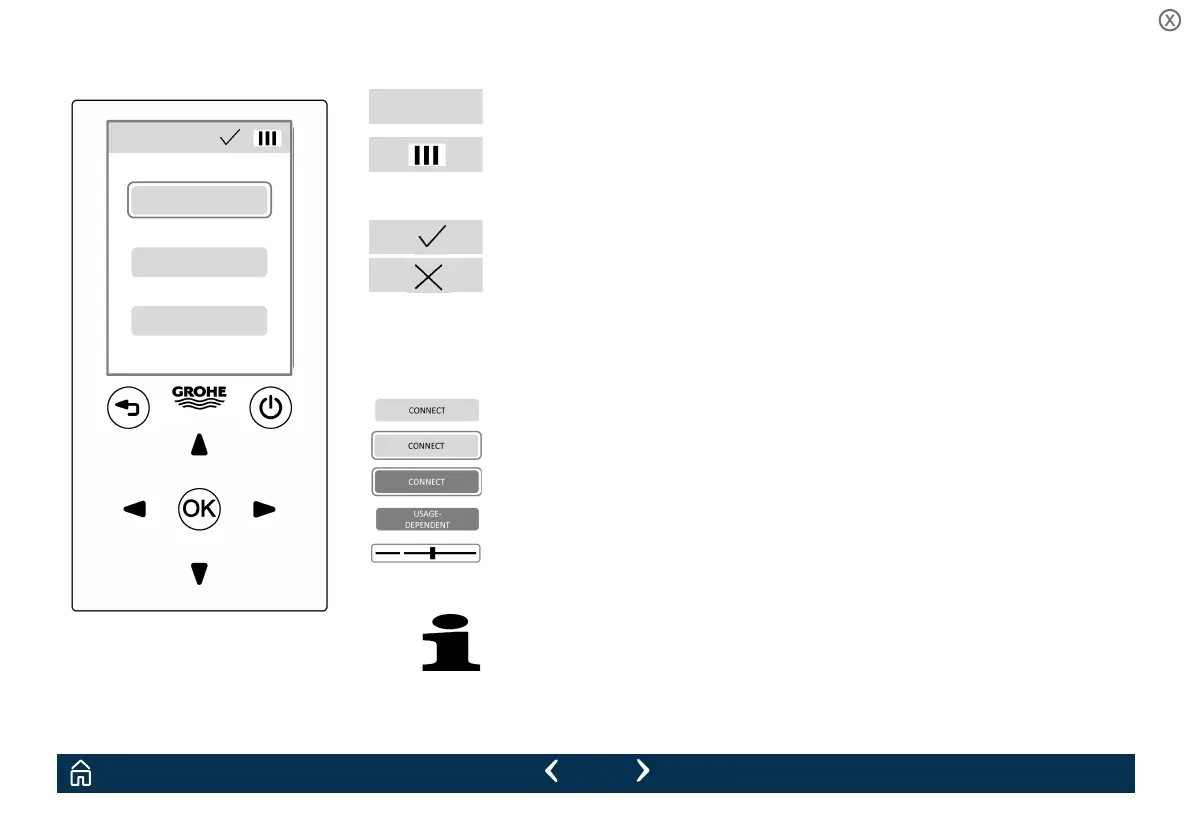
Screen
Current menu
Remote control battery level
Data transfer status display
Data transfer successful
Data transfer failed
Data transfer fails if the remote control is not correctly
adjusted to the sensor system.
Selection fields
not selected
selected
confirmed
activated
Slider for settings
The factory setting is marked as an gap in the slider bar.
The screen goes dark if no button is pressed for 180 s.
Pressing any button reactivates the screen.
Main Menu
CONNECT
LANGUAGE
DEMO MODE


 To Next Page
 Loading...
