WWW.GFWORLDWIDE.COM | +1 (208) 664-9291
5.15 WATER LEVEL INDICATOR
1
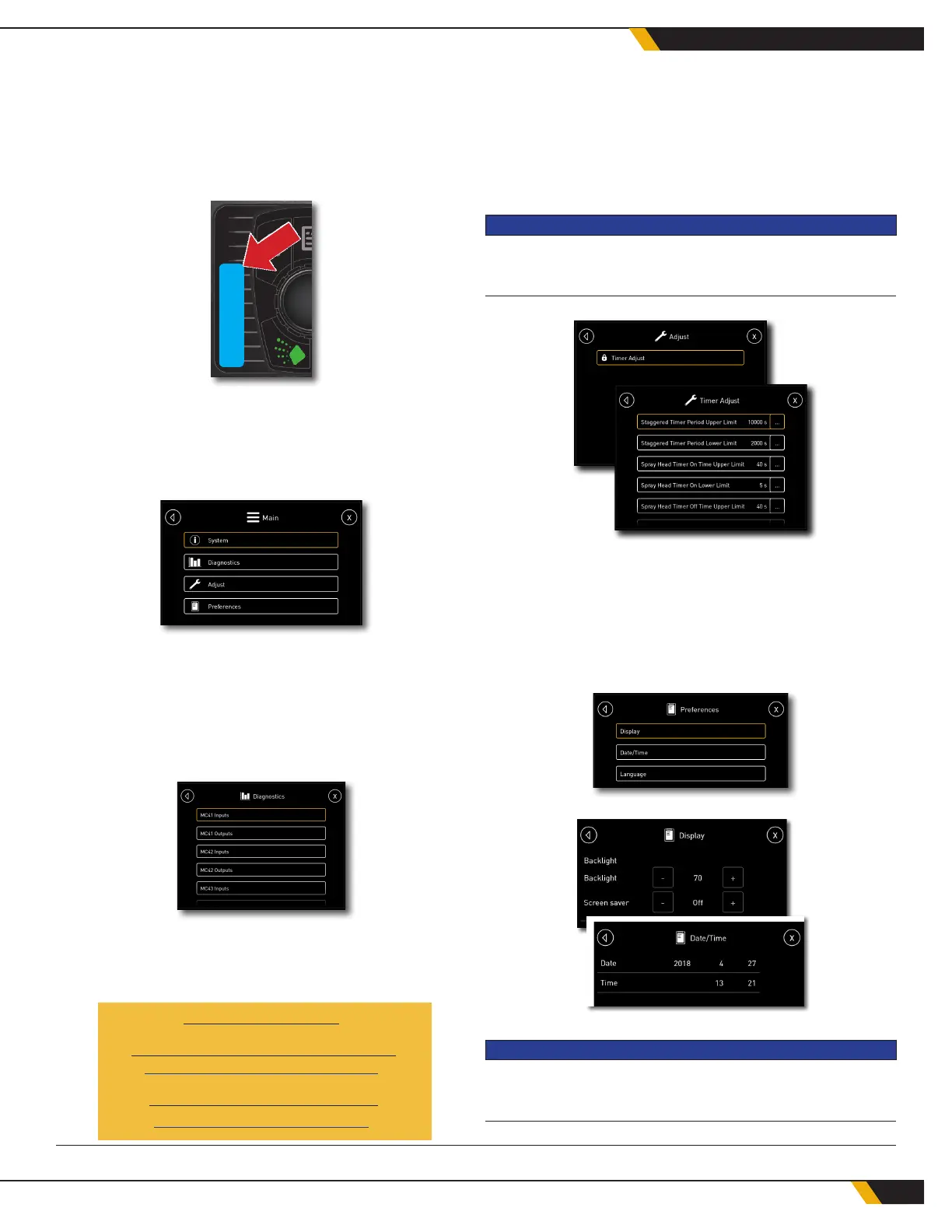
If the Ground Force Water Tank is equipped with
oat switches or a water level sensor, a bar graph
will appear to the left of the keypad on the display
screen, showing the current water level in the tank.
5.16 MAIN MENU SETTINGS
Press System Options (Button 1) to access the main
settings menu.
SYSTEM, DIAGNOSTICS MENUS
The System and Diagnostics menus provide techni-
cal information for troubleshooting and diagnostics.
Those menus do not provide any tools for on-site
working adjustments.
For system settings and troubleshooting assistance,
please contact the Ground Force Parts and Product
Support department:
+1 (208) 664-9291
Parts & Product Support E-mail:
PPSR@GFWORLDWIDE.COM
Service Department E-mail:
Service@gfworldwide.com
1 Not all Ground Force water tanks are equipped with this feature.
ADJUST MENU
The Adjust menu provides options for the user to set
timer mode options. Ground Force factory settings
for the Timer On and Timer Off upper limits is 40 sec-
onds, and the lower limits are 5 seconds.
NOTICE
Lower limit settings below 3 seconds will not allow the valves
to open and close.
PREFERENCES MENU
The Preferences menu allows the operator to adjust
the display brightness and screen saver, set the date
and time, and select the language for the WCS display.
NOTICE
Once the chassis key power is turned off, date and time set-
tings are not supported.
36
WATER CONTROL SYSTEM



 To Next Page