AUXILIARY INPUT
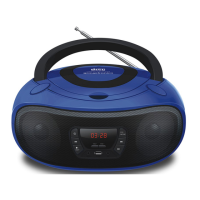
The stereo can be connected to other audio sources such as MP3 player, phone or
tablet for playback of the audio on the stereo’s own speakers.
1. Connect an AUX audio cable (not included) to the AUX socket on the front of the CD
player and the other end of the cable to audio output on MP3 player / phone / tablet
etc.
2. Press the EQ/MODE Button to change to change the Function to AUX mode. AUX
will be displayed on screen. Audio played through the connected MP3 player / phone /
tablet will now be heard through the stereo.
Technical Specifications:
Input voltage: AC 100-240V~ 50/60Hz
Output power: 2 x 2W
FM:87.5-108MHz
Machine size: L261*W226*H132mm
Battery: 4 x ‘C’ size batteries (not include)


 To Next Page