ENGLISH
46
BLUETOOTH MODE
---------------------------------------------------------------------------------------------------
Note:
7
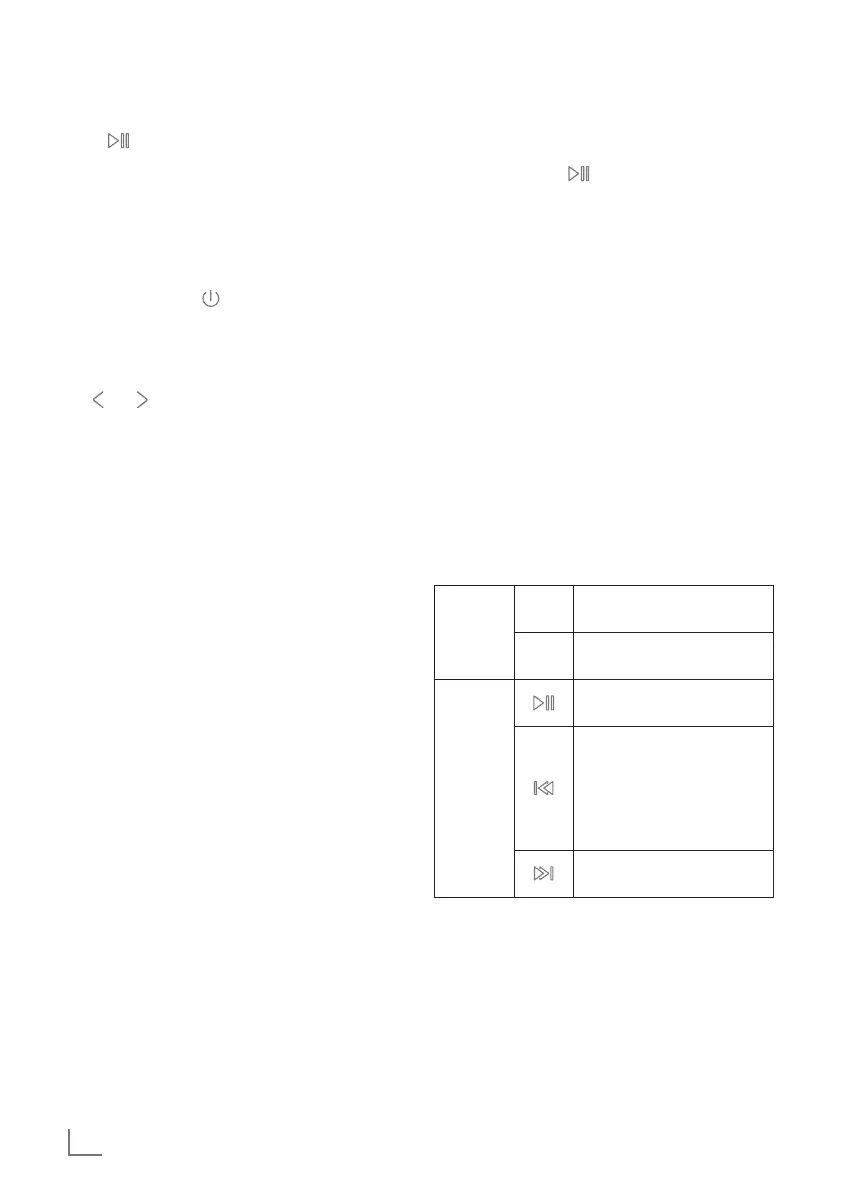
» « button on remote control is same func-
tion as »OK« button on product.
You can use Bluetooth to play tracks wirelessly
from external devices such as the MP3 players
or mobile phones with Bluetooth on this device.
Selecting BT mode
1 Short press the » / MODE« button to open
the mode menu.
– Display: < Mode Selects Interface >.
2 Select the Bluetooth mode icon by press
» « / » « or rotates the »OK« knob and short
press the »OK« button to confirm.
– Display: < Bluetooth Searching >.
Connecting Bluetooth devices
1 Now enable the Bluetooth function on your
external device and carry out the pairing pro-
cess. Refer to the instructions for your external
device for more information. This device sys-
tem’s name is “Grundig DKR 2000”.
2 The pairing process is now complete, and the
external device can now be used with the kitch-
en radio.
– Display: < Bluetooth Connected >.
3 Start the Bluetooth audio streaming playback
from the external device by related player.
4 Rotates the »OK« knob or press »VOL-« /
»VOL+« on remote control to set the desired
volume level when necessary.
5 To stop audio steaming via Bluetooth, either
switch off the Bluetooth function on the external
device or switch the kitchen speaker return to
DAB/FM/CD/Standby mode as wish.
Note:
7
For the best results, adjust the external de-
vice’s volume to maximum, then uses the
kitchen speaker’s volume control as main
volume level adjustment.
Disconnect from paired external
device (for new pairing)
1 Long press the » « button to disconnect the
Bluetooth connection directly, in this case, the
Kitchen device will switch back into Bluetooth
Searching mode.
– Display: < Bluetooth Searching >.
2 Now you can pair the Kitchen Radio with an-
other external device as want to.
Note:
7
In Bluetooth mode, the kitchen speaker will
be switched back to standby mode in 15
minutes if the Bluetooth function is in discon-
nected mode or no operation activity.
General Control
You can control how tracks are played and the
volume range on your external device and on the
kitchen radio. In principle, these buttons on the
device are intended for control via Bluetooth:
OK knob
-
Rotates anti-clockwise to
reduce volume.
+
Rotates clockwise to increase
volume.
Buttons
Short press to pause/resume
playback.
Short press to previous file.
(If you use Apple Music APP
to play music, short press to
playback current file from
beginning, Short press twice
to previous file.)
Short press to playback next
file.















 To Next Page