EasyManua.ls Logo

Grundig ELYA - User Manual

Grundig ELYA
2 pages
Print Icon
To Next Page IconTo Next Page
Loading...
Hand s-fre e
Keypad
backlight
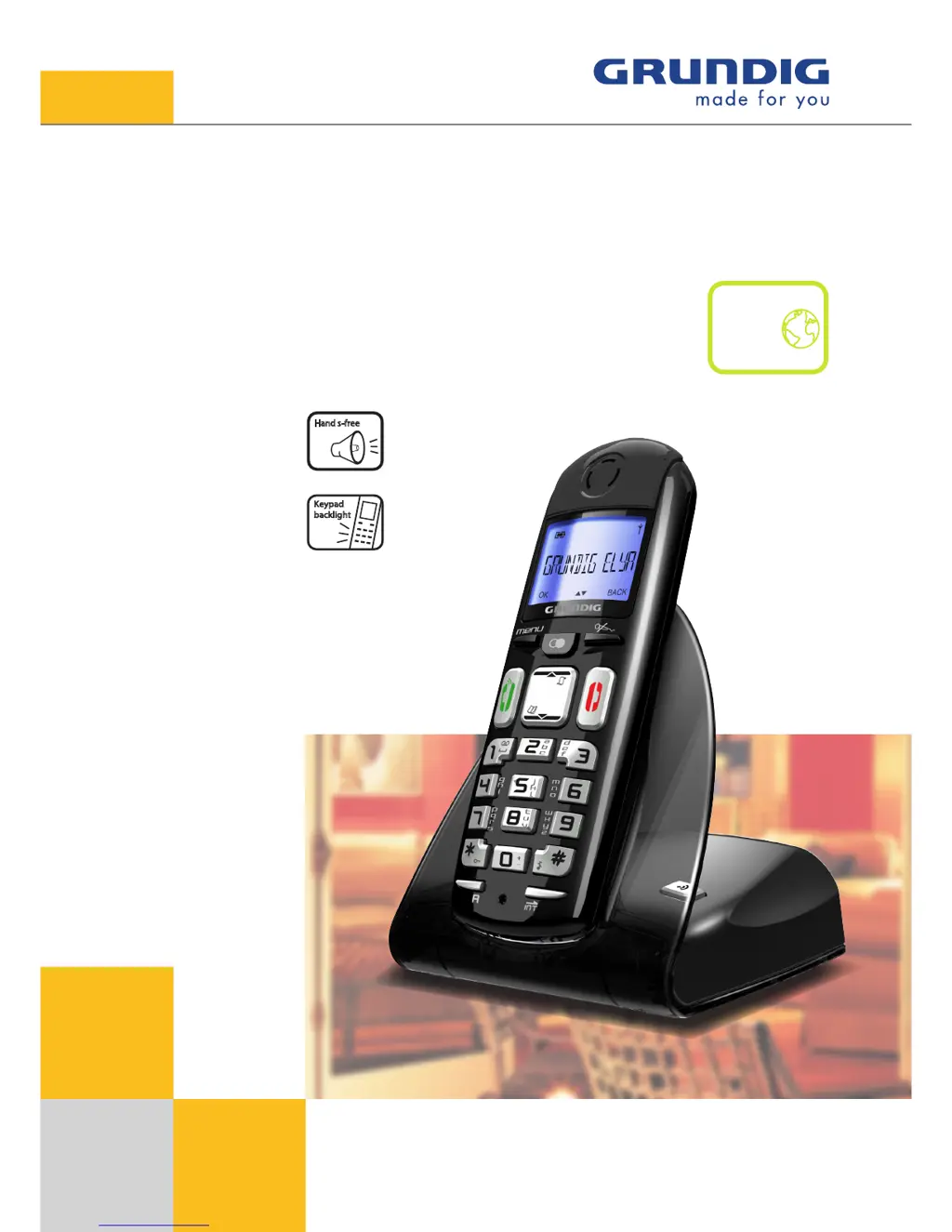
ELYA
Digital Cordless Phone
ec

Other manuals for Grundig ELYA

Questions and Answers

  • D
    daniel50Aug 7, 2025
    What to do if my Grundig Cordless Telephone has no display?
    • J
      James CoxAug 7, 2025
      First, check if the batteries are fully charged, and try replacing them. Ensure the batteries are properly installed and connected. If using AC power, verify the unit is connected to a non-switched electrical outlet, and try disconnecting and reconnecting it. Also, confirm that you have Caller ID service from your local telephone company.

Summary

ELYA Digital Cordless Phone

DECT Telephone ELYA

Main Features

Details key functionalities including compatibility, ECO mode, communication features, display, audio, and ergonomics.

Phonebook and Accessories

Covers phonebook capacity, size, transfer options, and available accessories like time/date indication and alarm clock.

Security Features

Highlights security aspects of the phone, specifically mentioning keypad locks.

Technical Specifications

Provides detailed technical data including battery type, talk/standby times, range, frequencies, and dimensions.

Grundig ELYA Specifications

General IconGeneral
DECTYes
GAP compatibleYes
Phonebook entries50
Caller IDYes
Answering MachineNo
Handsets1
TypeCordless Phone
Talk time10 hours
Standby time100 hours
Frequency1.9 GHz
Range300 meters
Battery Life10 hours talk time, 100 hours standby
ExpandableYes
ColorBlack

Related product manuals