11
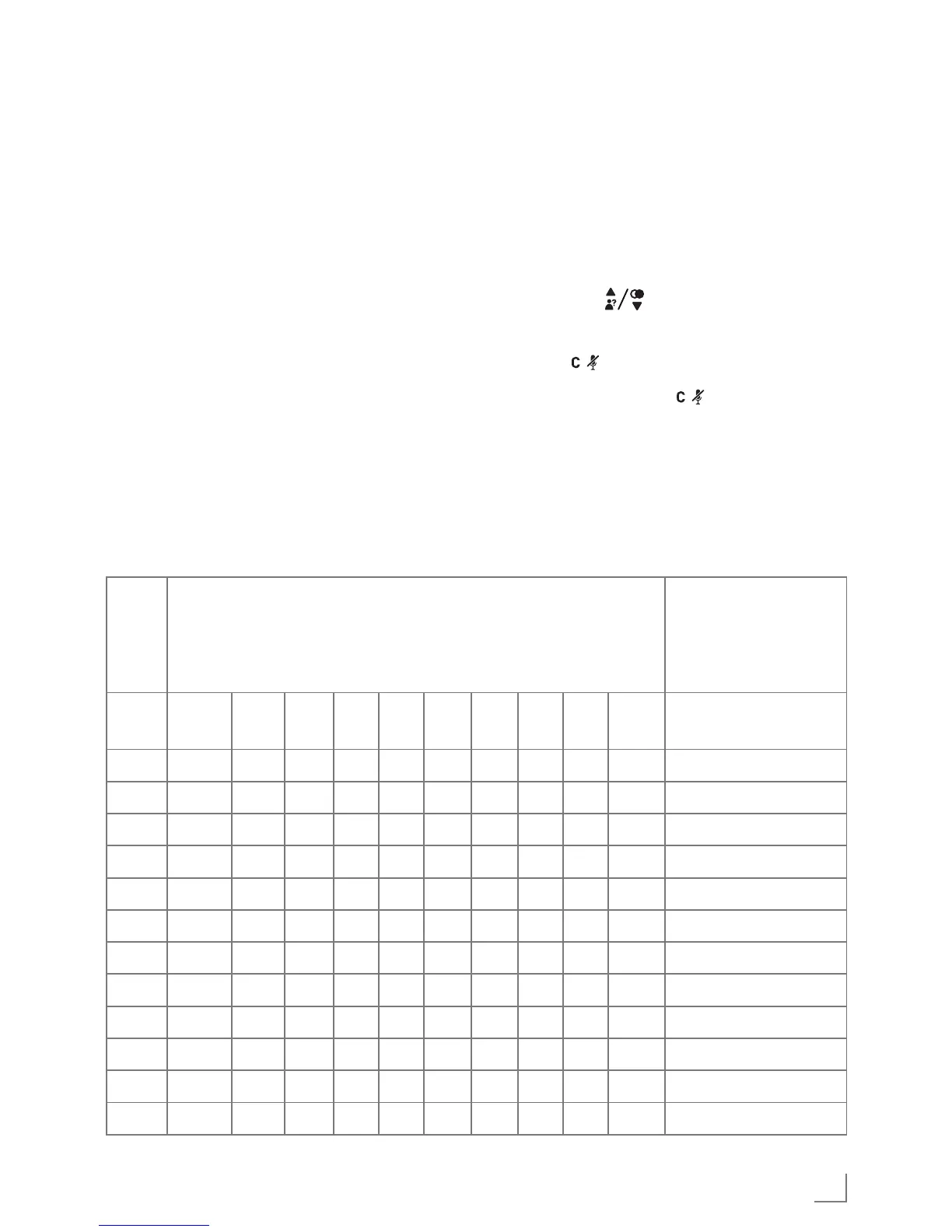
Text and Digit Entry Table
The following tables show you where
each letter and punctuation character
can be found. Respective character
table will be used when correspond-
ing menu language is selected. This
will be helpful when storing a name
in the phonebook and renaming your
handset.
In editing mode, a cursor is displayed
to indicate the current text entry posi-
tion. It is positioned at the right of the
last character entered.
Writing Tips:
1 Once a character is selected, the
cursor will move to the next position
after a short pause.
2 You can move the cursor within the
text by » « to amend the text
entry.
3 Press » « to delete the last character.
4 Press and hold » « to delete the
entire text string.
Character Set
Key
Alphanumeric Editing
(For phonebook name editing and renaming handset)
Number Editing
(For phone number
editing, date/time
editing)
Key
press
1st 2nd 3rd 4th 5th 6th 7th 8th 9th 10th
1 space - 1 1
2 A B C 2 2
3 D E F 3 3
4 G H I 4 4
5 J K L 5 5
6 M N O 6 6
7 P Q R S 7 7
8 T U V 8 8
9 W X Y Z 9 9
0 0 0, P (Pause)
* * ? / \ ( ) *
# # , - . & #
GETTING TO KNOW YOUR PHONE
______



 To Next Page