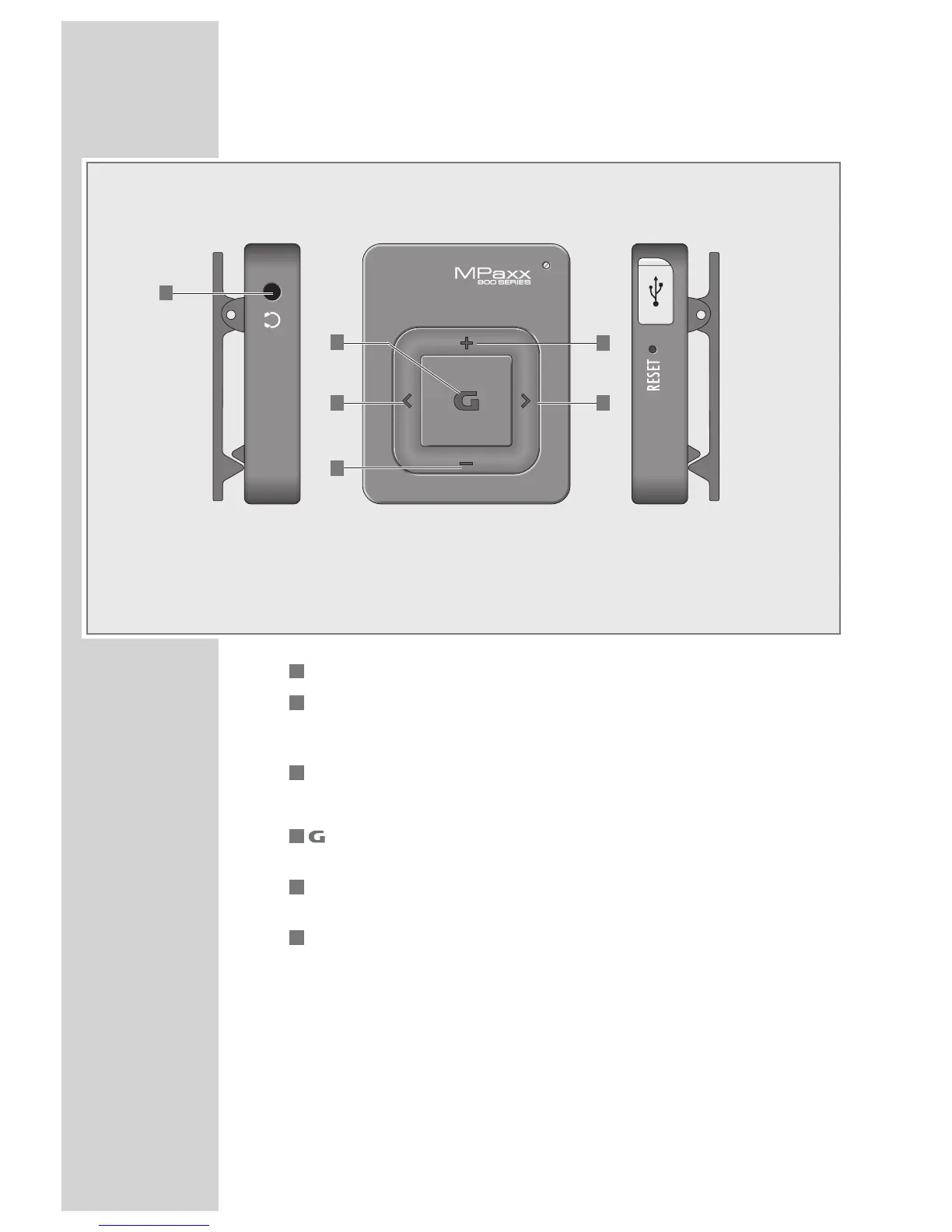
Controls
1
0 Connecting socket for the stereo earphones.
2
+ In playback mode: press briefly to increase the volume incre-
mentally; press and hold down to switch between various sound
effects.
3
Λ
In playback mode: press briefly to select the previous track;
press and hold down to start the reverse search;
4
Press and hold down to switch the player on and off.
In playback mode: switches to pause; resumes playback.
5
– In playback mode: press briefly to reduce the volume incremen-
tally; press and hold down to activate or deactivate the key lock.
6
V
In playback mode: press briefly to select the next track;
press and hold down to start the forward search.
5
2
6
4
3
1



 To Next Page