EasyManua.ls Logo

Grundig RR 316 - User Manual

Grundig RR 316
44 pages
Go to English
Print Icon
To Next Page IconTo Next Page
Loading...
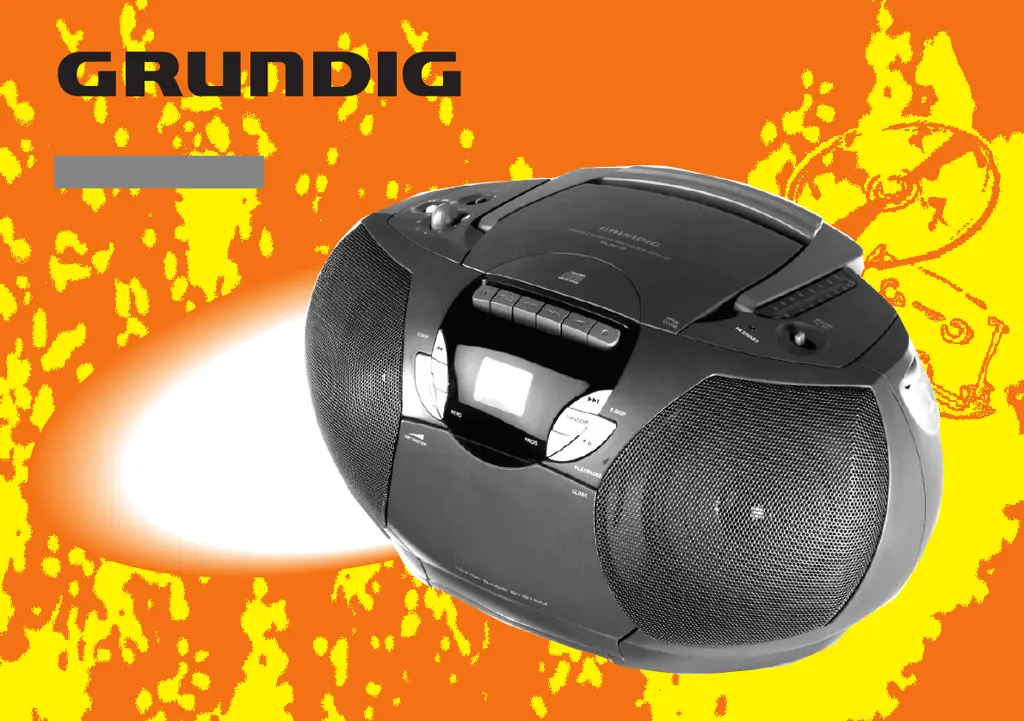
STEREO RADIO RECORDER WITH CD
RR 300 CD
RR 316 / RR 316 L

Questions and Answers

  • S
    Sara WilliamsAug 4, 2025
    How to fix a Grundig Radio with no sound?
    • P
      peter77Aug 4, 2025
      If your Grundig Radio has no sound, there could be several reasons. First, check if the VOLUME is properly adjusted. Also, ensure that headphones are disconnected. If it's still not working, the batteries might be exhausted or incorrectly inserted, so replace them with fresh ones, inserting them correctly. Finally, verify that the mains lead is securely connected.
  • M
    Meagan AlvaradoAug 17, 2025
    Why is my Grundig RR 316 Radio reception so poor?
    • K
      kwalkerAug 17, 2025
      Poor radio reception on your Grundig Radio can be due to a weak radio aerial signal. To improve reception, adjust the aerial: for FM, incline and rotate the telescopic aerial; for AM/MW (LW), rotate the entire set. Also, interference from electrical equipment like TVs, computers, and fluorescent lamps can cause poor reception, so keep the radio away from such devices.

Summary

Maintenance

Placement of the Set

Caution when placing the set on furniture due to potential stains.

Care and Maintenance

Cleaning instructions using a soft cloth and avoiding moisture.

Cassette Deck Maintenance

Cleaning the cassette deck parts for quality playback.

Power Supply

Battery Supply

Instructions for inserting and removing batteries.

Mains Supply

Connecting the set to the mains power supply.

Environmental Protection

Guidelines for battery disposal and recycling.

UK Mains Plug Note

Refers to plug fitting instructions on page 2.

Controls Overview

Top and Front Panel Controls

Explanation of volume, UBS, FM STEREO, headphone socket, antenna, mode, tape, radio, band, mic, tuning controls.

Stereo Headphone Socket

Connecting headphones and their effect on speakers.

Cassette Control Buttons

Controls for cassette playback and recording functions.

Back Panel Connections

Description of back panel connections.

Radio Operation

Radio Aerials

How to use telescopic and built-in aerials for FM and AM reception.

Radio Reception Tuning

Steps for tuning and receiving radio stations, including wavebands and FM stereo.

Cassette Deck Functions

Compact Cassette Usage

Guidelines for using normal cassettes, avoiding chrome/metal, and protecting recordings.

Cassette Playback

Steps for playing a cassette, including controls and headphone usage.

Cassette Recording

Copyright notice and instructions for recording from radio or microphone.

Technical Data and Troubleshooting

Technical Specifications

Detailed specifications for power supply, radio, and cassette sections.

Troubleshooting Guide

Common problems and their solutions for sound, radio reception, and cassette functions.

Grundig RR 316 Specifications

General IconGeneral
BrandGrundig
ModelRR 316
CategoryRadio
LanguageEnglish

Related product manuals