EasyManua.ls Logo

Grundig STR 310 - Page 19

Grundig STR 310
39 pages
Print Icon
To Next Page IconTo Next Page
To Previous Page IconTo Previous Page
Loading...
Operation
Each
TV
channel
of
a
satellite
is
accompanied
by
a
number
of
soundtracks.
These
may
be
in
mono,
stereo
or
in
multiple
languages
for
TV
broadcasts.
In
addition,
separate
radio
stations
are
transmitted
on
the
back
of
some
TV
channels
on
"subcar-
riers’.
The
soundtracks
accompanying
each
TV
channel
are
already
preset
with
the
frequencies
for
the
channels
listed
in
the
attached
satellite
stations
table.
Press
the
Oaunio
key
to
select
another
audio
transmission.
For the
different
transmissions
broadcast
on
the
various
TV
soundtracks
and
audio
subcarriers
please
consult
a
TV/radio
guide.
For
stereo
transmissions
two
subcarriers
are
required.
In
stereo
mode
(ST),
the
second
subcarrier
of
a
stereo
pair
is
automatically
selected
by
the
receiver
along
with
the
first
one
to
receive
the
full
stereo
transmission.
As
an
example:
Select
the
ARD1
channel
(019
in
Normal
mode
and
S1
in
Favourite
mode).
The
stereo
soundtrack
for
the
channel
is
broadcast
as
the
7.02
MHz
mode
and
the
receiver
is
preset
with
this
mode
for
this
channel.
Press
the
Oauoio
key
and
the
audio
mode
is
displayed.
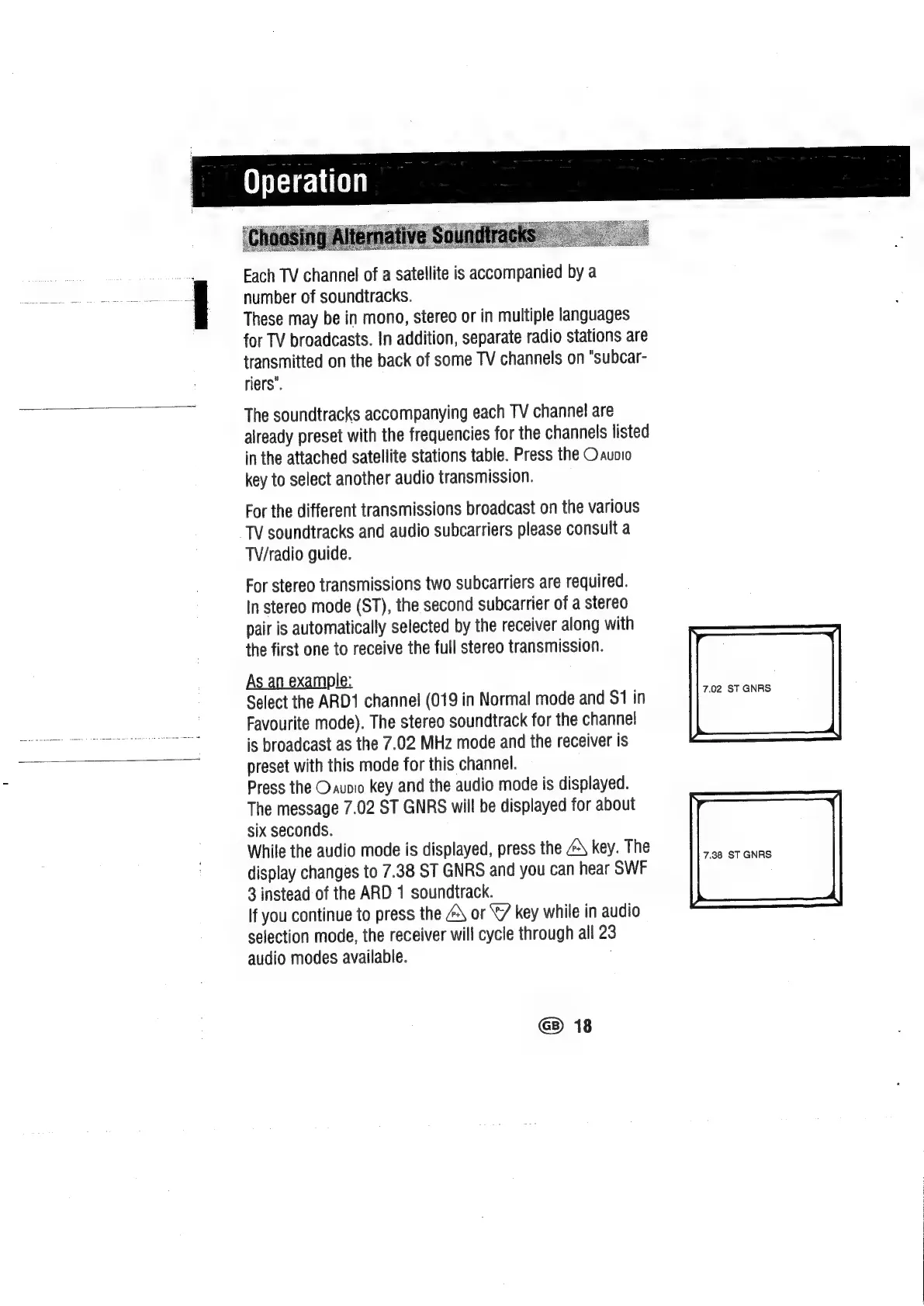
The
message
7.02
ST
GNRS
will
be
displayed
for
about
six
seconds.
While
the
audio
mode
is
displayed,
press
the
\
key.
The
earer
and
display
changes
to
7.38
ST
GNRS
and
you
can
hear
SWF
3
instead
of
the
ARD
1
soundtrack.
If
you
continue
to
press
the
@\
or
X/
key
while
in
audio
selection
mode,
the
receiver
will
cycle
through
all
23
audio
modes
available.
7.02
ST
GNRS
|
G)
18

Related product manuals