EasyManua.ls Logo

Grundig STR 310 - Page 21

Grundig STR 310
39 pages
Print Icon
To Next Page IconTo Next Page
To Previous Page IconTo Previous Page
Loading...
Operation
lf
your
receiver
is
connected
to
a
video
recorder
you
can
record
satellite
programmes
in
much
the
same
way
as
you
record
programmes
on
terrestrial
TV.
{f
the
video
recorder
is
only
connected
via
an
aerial
lead
with
the
receiver,
you
must
make
the
adjustments
described
on
page
11.
Starting
Recording
Manually
HINT
p
sae
.
Note
that
it
is
not
possible
to
record
one
Select
the
desired
channel
position
on
the
receiver.
satellite
TV
channel
while
watching
another
ee
;
;
channel
from
satellite.
Your
receiver
can
Select
the
channel
position
for
the
satellite
receiver
on
the
video
recorder
and
start
recording.
only
tune
to
one
channel
ata
time.
Programmed
Recordings
You
can
programme
your
receiver
so
that
it
receives
up
to
four
events
within
a
period
of
28
days
and
passes
these
on
to
your
video
recorder
while
you
are
not
at
home.
Of
course
the
timer
of
your
video
recorder
must
be
programmed
correspondingly.
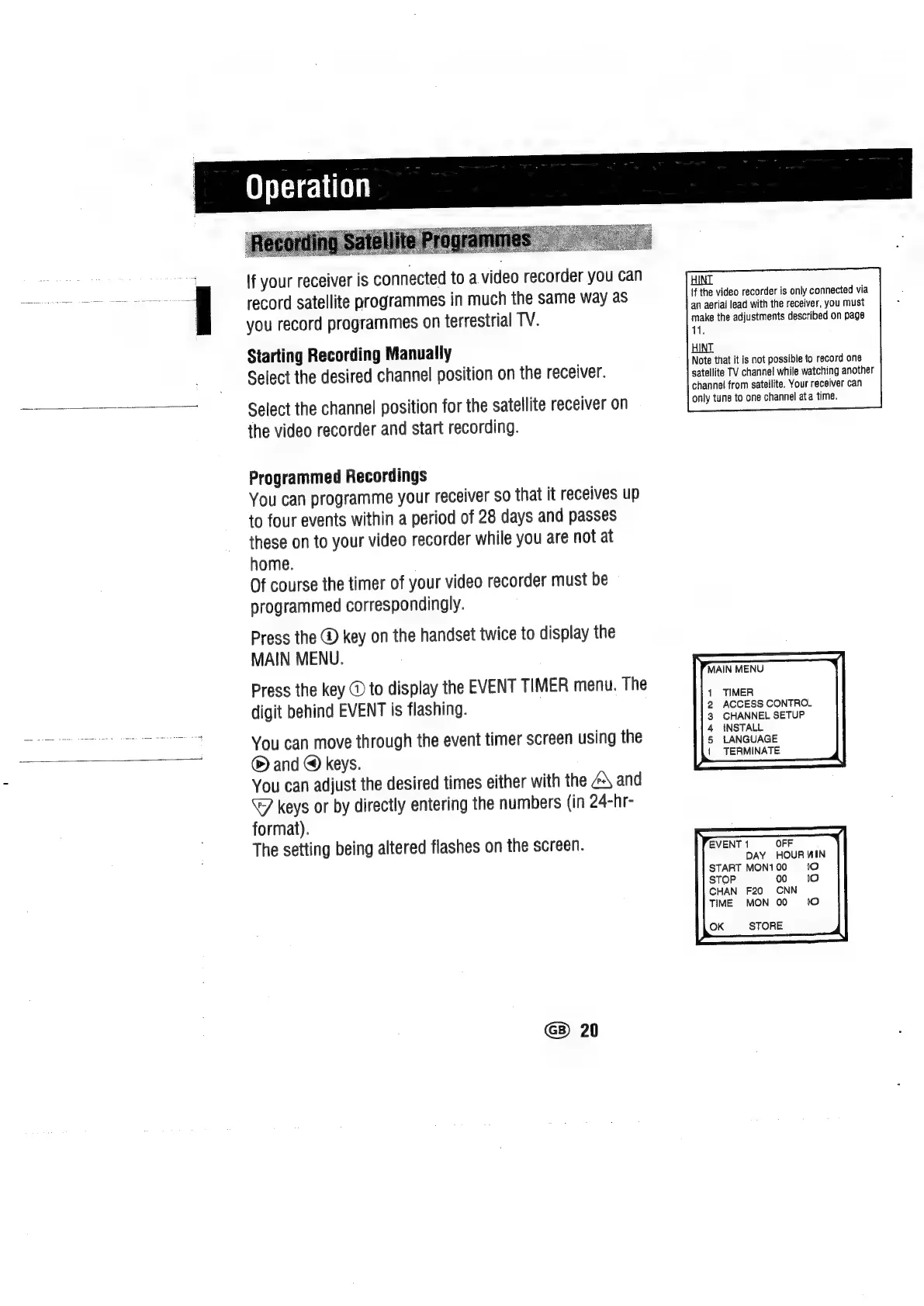
Press
the
@
key
on
the
handset
twice
to
display
the
MAIN
MENU.
Press
the
key
@
to
display
the
EVENT
TIMER
menu.
The
digit
behind
EVENT
is
flashing.
You
can
move
through
the
event timer
screen
using
the
®
and
@
keys.
You
can
adjust
the
desired
times
either
with
the
@\
and
keys
or
by
directly
entering
the
numbers
(in
24-hr-
format).
The
setting
being
altered
flashes
on
the
screen.
G
20
MAIN
MENU
TIMER
ACCESS
CONTROL
CHANNEL
SETUP
INSTALL
LANGUAGE
{
TERMINATE
EVENT
1
OFF
DAY
HOUR
WIN
START
MON1
00
10
STOP
00
10
CHAN
F20
CNN
TIME
MON
00
1o
OK
STORE

Related product manuals