EasyManua.ls Logo

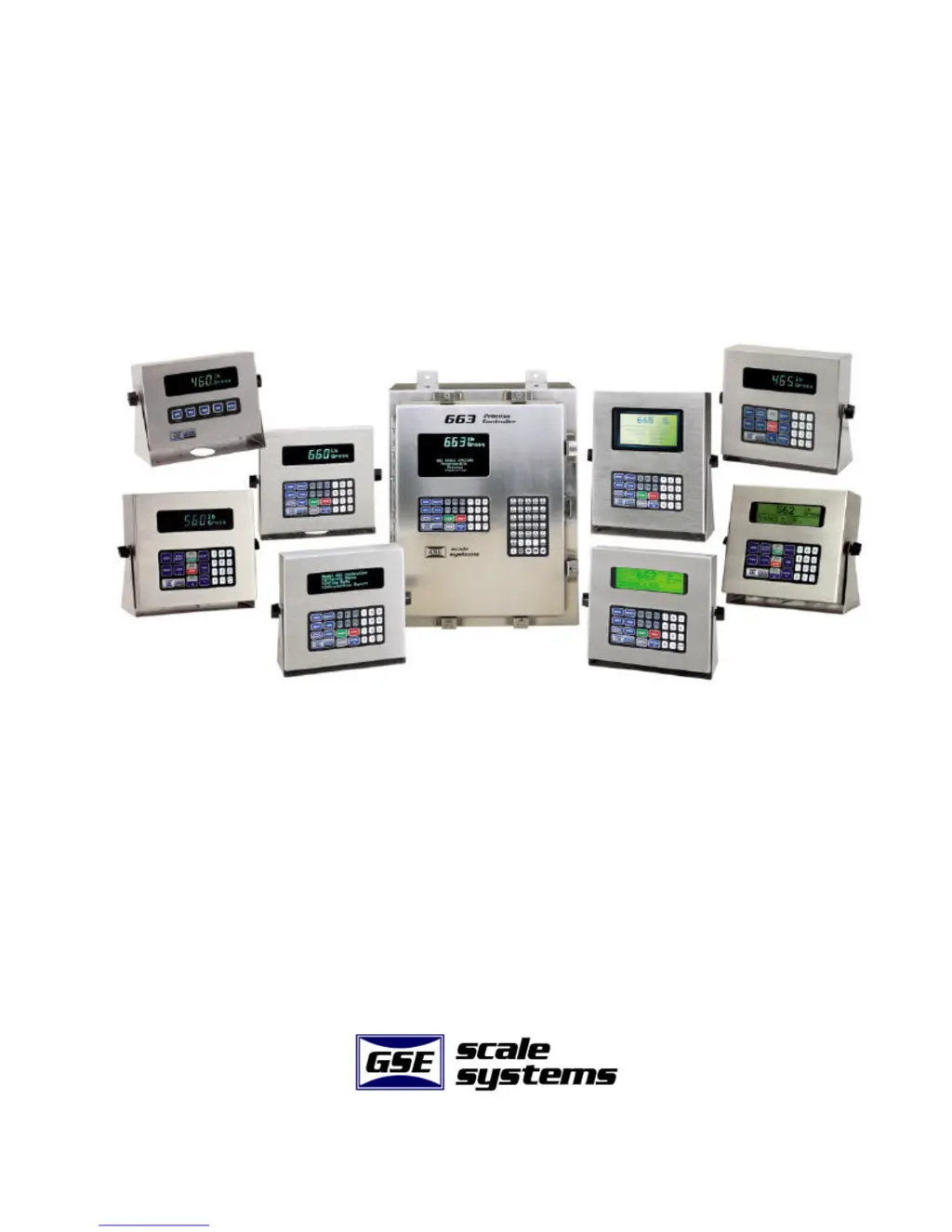
GSE 60 SERIES - User Manual

GSE 60 SERIES
621 pages
Print Icon
To Next Page IconTo Next Page
Loading...
GSE 60 SERIES
Technical Reference Manual
P ROGRAMMABLE P ROCESS C ONTROLLERS
V ERSION 3.0
Part Number: 39-10-X60REF

Table of Contents

Questions and Answers

  • L
    larry29Aug 2, 2025
    How to troubleshoot a GSE Process Controller that is not operating?
    • L
      Luis MclaughlinAug 2, 2025
      If the GSE Process Controller isn't operating, first ensure it's connected to the AC power supply. Check that the red, white, and black wires from the Alpha Keypad to the main controller board are correctly connected. Verify the COM4 Port protocol matches the alpha keypad protocol. Also, check the display for any error messages. Finally, consider updating the firmware to the latest version.
  • M
    Michael EdwardsAug 12, 2025
    What to do if I see a 'frmgX error' on my GSE 60 SERIES Controller?
    • D
      Debra CoxAug 13, 2025
      If you're encountering an frmgX error with your GSE Controller, the issue might stem from an incorrect baud rate (P200), number of data bits (P201), or parity setting (P202). To resolve this, check and correct the baud rate, number of data bits, and parity settings.
  • M
    Mark WintersAug 21, 2025
    Why am I getting a 'prtyXerror' on my GSE Controller?
    • J
      James SmithAug 21, 2025
      A prtyXerror on your GSE Controller indicates that the baud rate (P200) or the number of data bits (P201) are incorrect. You should check and correct the baud rate and number of data bits settings.

GSE 60 SERIES Specifications

General IconGeneral
BrandGSE
Model60 SERIES
CategoryController
LanguageEnglish