EasyManua.ls Logo

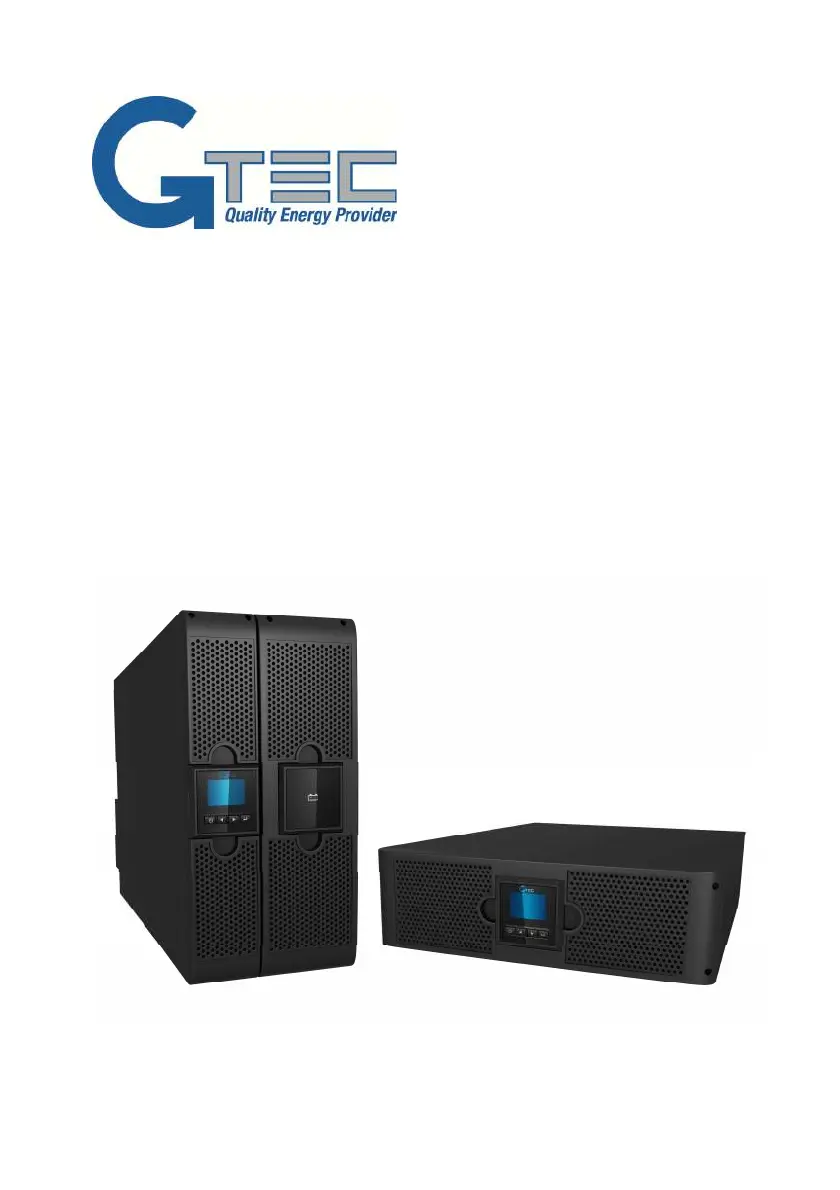
Gtec Online R/T Series - User Manual

Gtec Online R/T Series
44 pages
Print Icon
To Next Page IconTo Next Page
Loading...
USER’S MANUAL
For Models
AP160N-6K-KS / AP160N-10K-KS
Uninterruptible Power System

Questions and Answers

Summary

1. Introduction

2. Safety Warnings

2.1 Installation Safety

Details safety precautions during UPS installation, covering environment and wiring.

2.2 Operation Safety

Provides safety guidelines for operating the UPS.

2.3 Maintenance and Fault Safety

Warns about hazardous voltages during maintenance and necessary precautions.

2.4 Transport Safety

Advises on safe transportation methods for the UPS.

2.5 Storage Guidelines

Specifies conditions for storing the UPS.

2.6 Compliance Standards

Lists relevant safety and EMI/EMS standards the UPS complies with.

3. Installation Procedures

3.1 Equipment Inspection

Guides on checking for any damage to the UPS equipment during shipment.

3.2 Cabinet Unpacking

Details the procedure for safely unpacking the UPS cabinet.

3.3 UPS Rear Panel Identification

Illustrates and labels the various ports and components on the UPS rear panel.

3.4 UPS Front Panel Overview

Shows and describes the front panel interface, including the LCD and control buttons.

3.5 Rackmount Installation

Explains the steps for installing the UPS into a rackmount configuration.

3.5.1 Rack Mounting Steps

Details the process of positioning and sliding the UPS cabinet into a rack.

3.5.2 Battery Connection

Provides instructions and cautions for connecting the UPS to its batteries.

3.6 Tower Installation

3.7 AC Input Installation

Covers setup for separate AC inputs, including earthing considerations.

4. Power Cable Connection and Startup

4.1 Terminal Block Access

Details how to access the terminal block for power connections.

4.2 Common Input Connection

Provides instructions for connecting common input power sources to the UPS.

4.3 Separate Input Connection

Guides on connecting separate input power sources, emphasizing earthing.

4.4 Frequency Converter Connection

Explains how to connect the UPS when using a frequency converter.

4.5 Initial UPS Startup

Outlines the step-by-step procedure for starting up the UPS for the first time.

5. UPS Operation

5.1 Display Panel Overview

Describes the UPS's LCD display panel and its dual-color backlight behavior.

5.2 Display Functions

Explains the various functions and information displayed by the UPS panel.

6. Communication Options

6.1 RS-232 and USB Ports

Explains how to connect the UPS to a computer via RS-232 and USB ports.

6.2 Optional Network Card

Describes the optional network management card for enhanced connectivity.

6.3 UPS Management Software

Introduces the WinPower software for monitoring and controlling the UPS.

7. UPS Maintenance

7.1 UPS Care

Provides guidelines for maintaining the UPS and its surrounding environment.

7.2 UPS Transportation

Outlines the correct procedure for transporting the UPS.

7.3 Used UPS Recycling

Advises on responsible recycling and disposal of the UPS.

8. Technical Specifications

Model List

Lists the available UPS models and their designations.

General Specifications

Provides general technical specifications such as power rating, voltage, and dimensions.

Electrical Performance

Details electrical performance characteristics like voltage regulation and power factor.

Environmental and Safety Specs

Specifies environmental operating conditions and derating for altitude.

9. Troubleshooting Guide

9.1 Accessing Alarms and Conditions

Guides on navigating menus to find troubleshooting information, alarms, and events.

9.2 Typical Alarms and Conditions

Lists common alarms, their possible causes, and recommended actions.

Gtec Online R/T Series Specifications

General IconGeneral
BrandGtec
ModelOnline R/T Series
CategoryPower Supply
LanguageEnglish