Press & hold “PLAY “button to power on the voice
recorder (NOTE: keep the right side POWER switch at
“ON” position, if it is at “OFF” position, we need to
push it to” ON “position first).
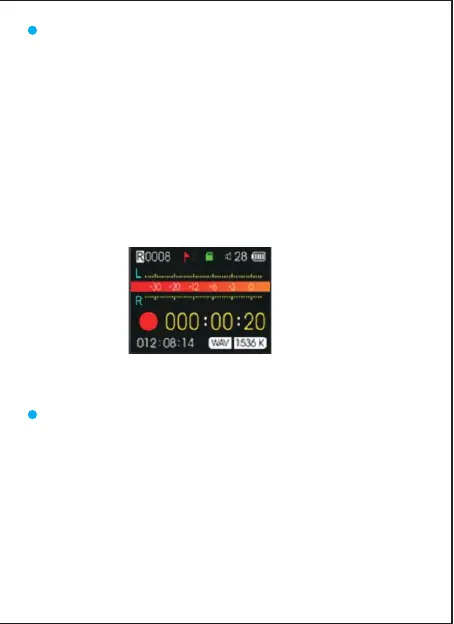
Press REC button to start a new recording.
Press STOP button to save the recording after we
finished recording.
Press PLAY button to play the recording file after saved
successfully.
A) In playing mode, short press the "Play" button to
start playback.We could press UP/DOWN button to
select the recordings which need to playback.
B) During playback, short press “PLAY” button to
pause playing,press PLAY again to resume recording.
Recording interface
12
HOW to Record
HOW to Play/Pause Your Recordings



 To Next Page