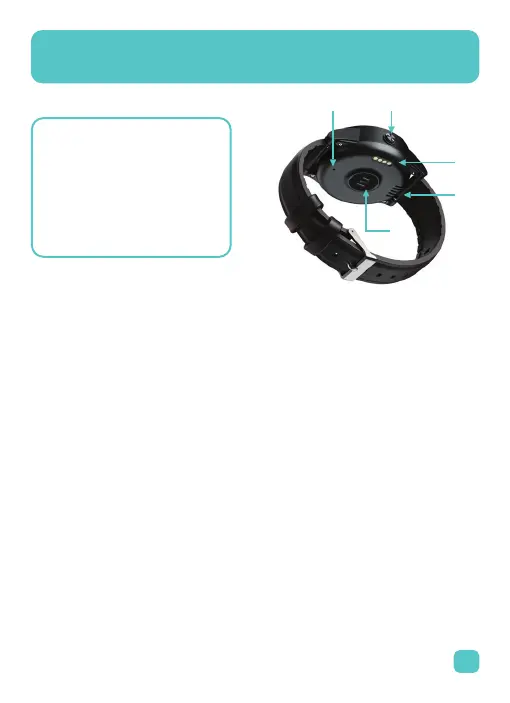
Your Device
2
Acquiring Location
To know where the device is, text loc to the MediWatch phone number.
It will automatically respond with a link to Google Maps. Example return
texts will read:
Now Loc Time: mm/dd/yyyy Time: (24 hour time)
Speed: km/h,
Altitude: (meters above sea level),
Battery Level: %
maps.google.com/maps?q=xxx
(Current Location)
GPS Last Known Loc Time: mm/dd/yyyy Time: (24 hour time)
Battery Level: % smart-locator/com/web/geolocation/wg/xxx
(Last Known Location. This is sometimes given when the device is indoors
or in areas with poor GPS signal.)
1. Speaker
2. Microphone
3. Charging Points
4. Heart Rate Sensor
5. SOS button
5.
2.
1.
4.
3.



 To Next Page