22 23
Most issues that arise can easily be resolved by changing the
sengs on your Guardline Driveway Alarm or performing
a simple reset. Use the table below to nd your exact issue
and possible soluons for it.
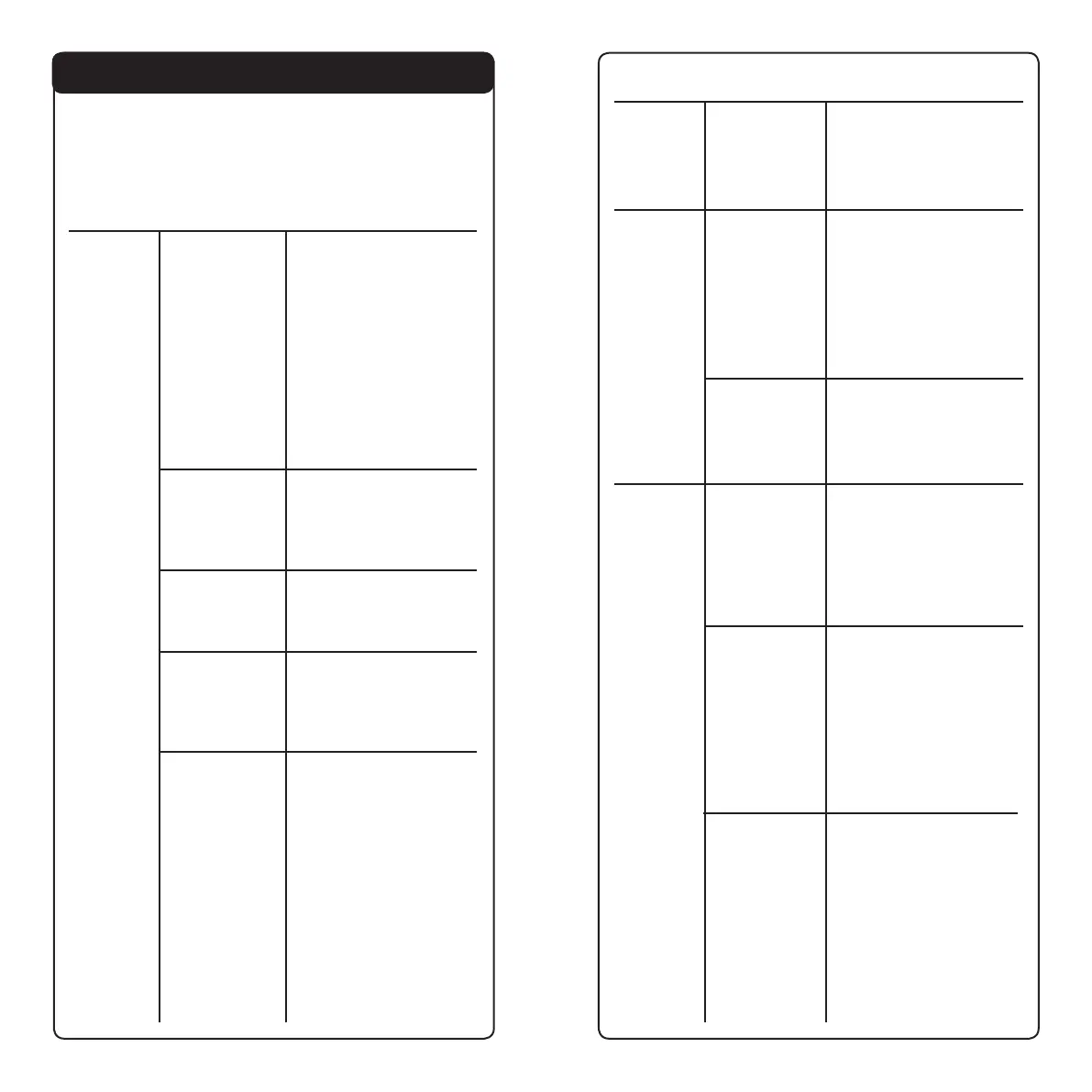
Issue
No alarms
Cause
Sensor and/or
receiver not
turned on/
powered up
Volume not
turned up
Sensor not
paired with
receiver
Soluon
Conrm that your sensor
and receiver have working
baeries and/or are
plugged in and turned on.
Your receiver will have
a solid red or blue LED
above zone 1 when it is
powered on.
Your sensor eye will light
up red when it is
acvated
Ensure volume wheel on
the receiver is turned up
(turn towards 12V port for
max volume)
Follow instrucon in
Pairing the Sensors with
the Receiver
6. Troubleshoong
Issue
No alarms
Sensor eye
not lighng
up
Inconsistent
alarms
Cause
Incorrect
sensor
sengs
Sensor
baeries are
low, depleted
or not
installed
Sensor
not paired
properly
Sensor out
of range of
receiver/
interference
issue
Mulple
receiver
conict
Incorrect
sensor
sengs
Soluon
Reset all sensor dip
switches to factory sengs
(see Manufacturer Default
Sengs)
If your sensor is paired
with your receiver, look
at the LED below zone
3 on the receiver. If that
LED is lit or ashing, the
sensor baeries need to
be changed
Reset all zones on your
receiver and re-pair
your sensor(s). See
the “Reseng the
Zones” secon for reset
instrucons
If your sensor eye lights
up when acvated, but
you aren’t geng the
alarm on your receiver,
then your sensor is out
of range. If there is heavy
interference between
sensor and receiver,
your maximum eecve
range will be decreased.
Move sensor and receiver
closer together unl you
consistently receive alerts
Follow the steps below
in “Mulple Receiver
Conicts” to reset your
pairing code.
Reset all sensor dip
switches to factory sengs
(see Manufacturer Default
Sengs)
Signal
Interference
End of
funconal
range
Move sensor to new
locaon at least 5 feet
from metal gates, poles
or structures. Receivers
used in buildings with
metal siding or stucco may
experience inconsistent
signals
Move sensor closer
to your receiver and/
or remove any physical
objects between sensor
and receiver. If using in
a heavily wooded area,
or signal passes through
mulple buildings, your
eecve range will be
reduced



 To Next Page