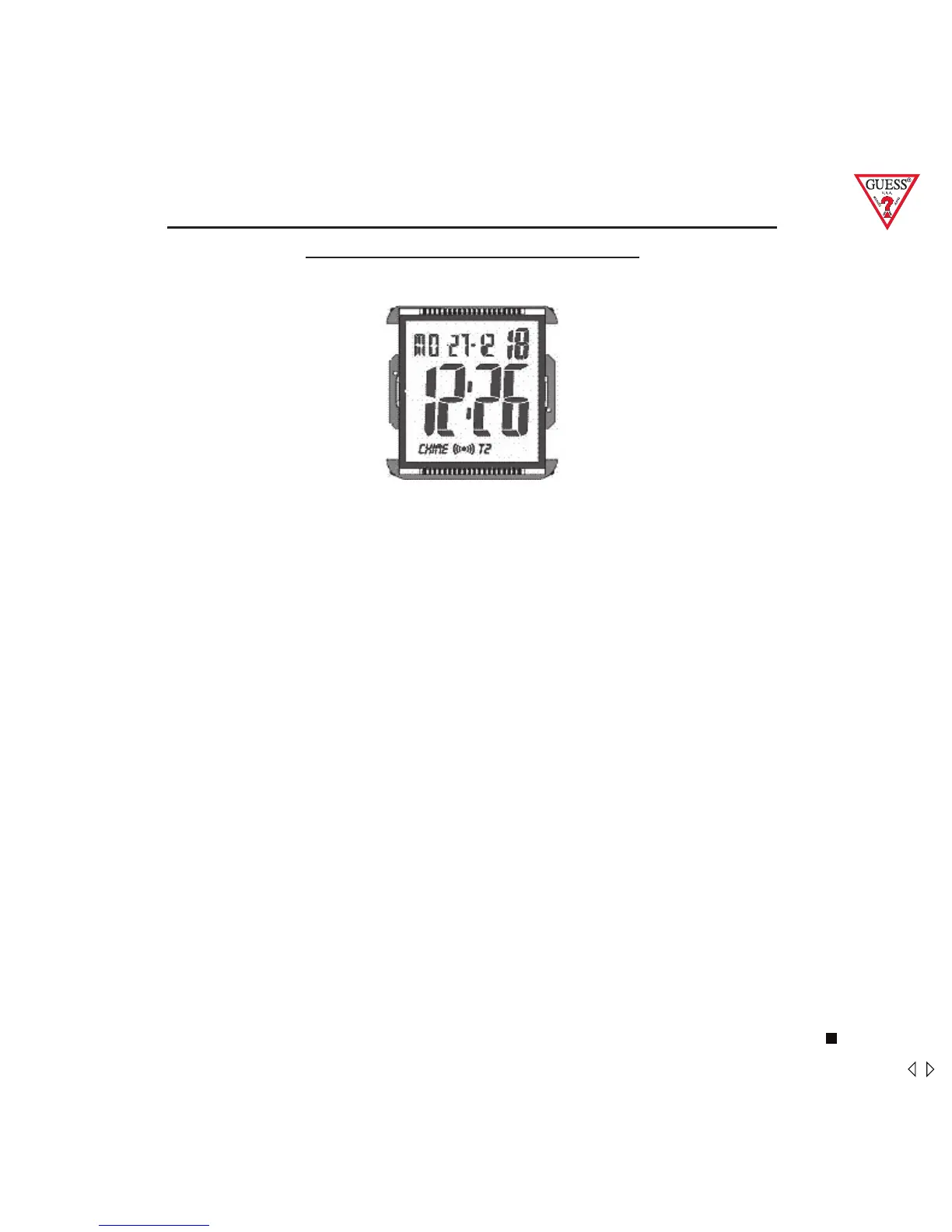
DIGITAL WITH ALARM, CHRONOGRAPH 1/100 SEC,
COUNTDOWN & DUAL TIME
FEATURES
Hour, Minute, Second
Day, Date, Month
Dual Time, Alarm, Countdown
Chronograph 1/100 Second with lap control
Back Light (EL)
SETTING SEQUENCE
A) NORMAL TIME SETTING
1. HOLD S2 3 seconds to “Second”; Press S1 or S3 for 00
2. PRESS S2 once to set “Minute”; Press S1 or S3 to advance /
backward
3. PRESS S2 once to set “Hour”; Press S1 or S3 to advance /
backward
4. PRESS S2 once to set “Year”; Press S1 or S3 to advance /
backward
5. PRESS S2 once to set “Month”; Press S1 or S3 to advance /
backward
6. PRESS S2 once to set “Day”; Press S1 or S3 to advance /
backward
7. HOLD S2 3 seconds to return to normal time display.
EL S1
S2
S3
37 mens



 To Next Page