5
G503133 - R00
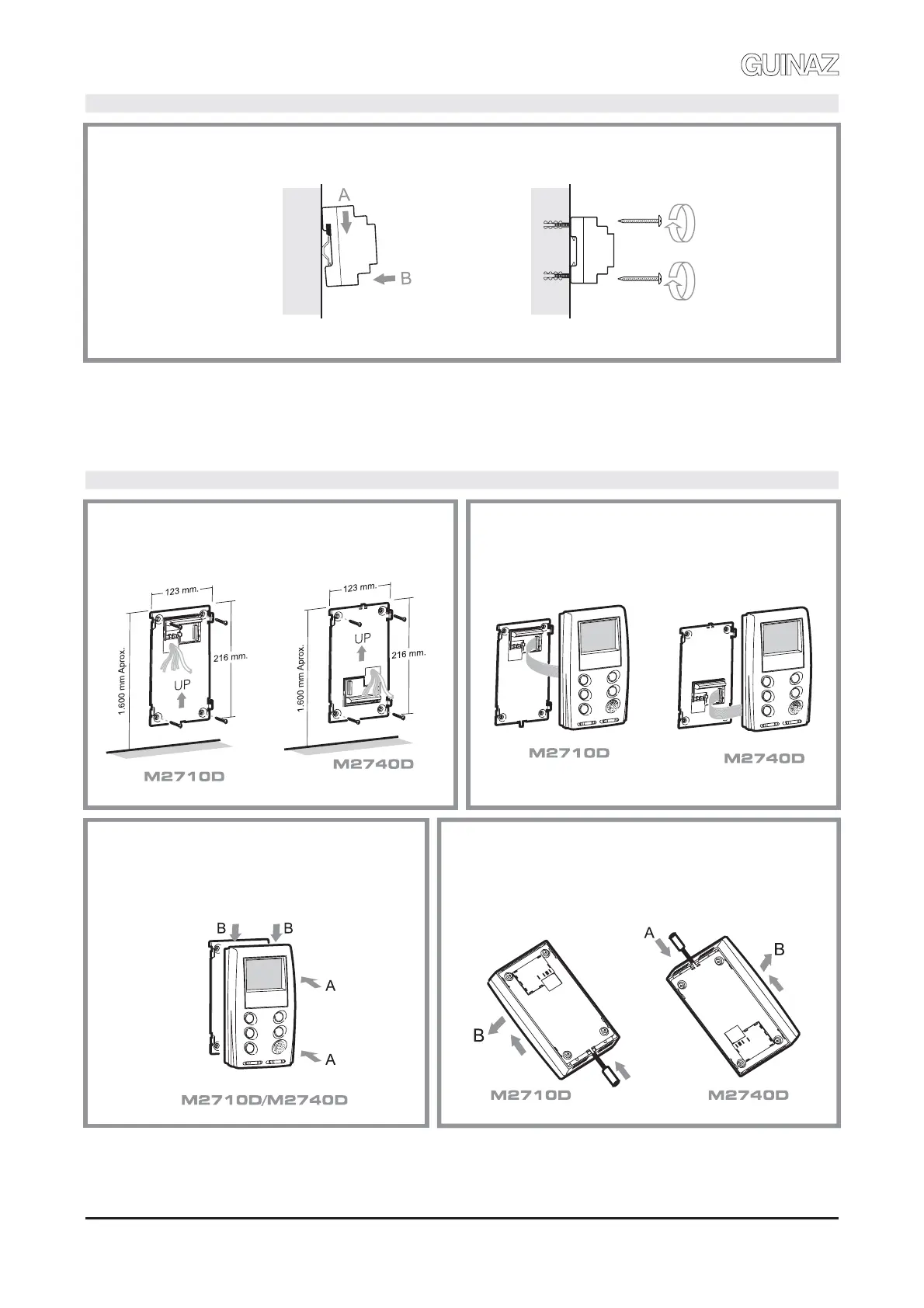
INSTALACIÓN DE FUENTE DE ALIMENTACIÓN. INSTALLATION OF POWER SUPPLY.
La fuente de alimentación puede instalarse sobre carril DIN o mediante tirafondos a la pared, pero siempre en interiores.
The power supply can be installed on a DIN slide or by means of sleeper-screws into the wall, always internally.
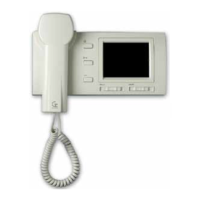
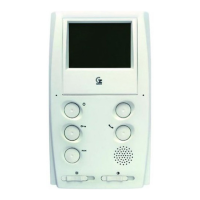
INSTALACIÓN MONITORES. INSTALLATION OF MONITORS.
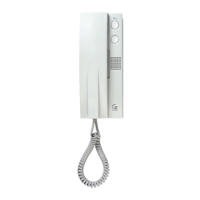
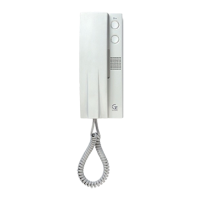
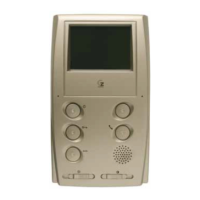
Se recomienda instalar los teléfonos y monitores en lugares desde los cuales se escuche la llamada en toda la vivienda, y que
estén alejados de fuentes de calor (radiadores, estufas, etc.) o de ambientes agresivos (cocinas, etc.).
Installing the monitor in places where calls can be heard all around the dwelling and far from heat sources (radiators, heaters, etc.)
or aggressive environments (kitchens, etc.) is recommended.
4
3
Colocación monitor:
A) Encajar sobre base mural.
B) Presionar hasta clipar.
Assembly of the monitor:
A) Assemble on the wall base.
B) Press down until it clips in.
Para desmontar el monitor:
A) Soltar el clip con un destornillador.
B) Empujar hacia arriba y luego hacia fuera.
Disassembly of the monitor:
A) Unclip with a screwdriver.
B) Move up and then outwards.
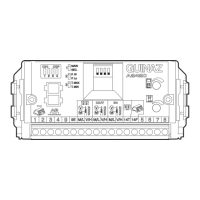
Configure la tarjeta de conexiones de la base mural según
se indica en la página 7, y conecte el latiguillo del monitor.
Configure the connection card of the wall base as indicated
in page 7, and connect the connector of the monitor.
1
Colocar la base mural en la pared mediante cuatro
tirafondos y conectar tarjeta de conexiones.
Assemble this wall base panel on the wall using four
sleeper-screws and connect it to the connection card.
2


 To Next Page