Need help?
Do you have a question about the Guinaz M2710D and is the answer not in the manual?
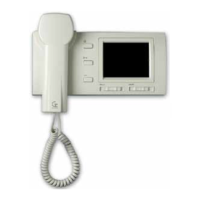
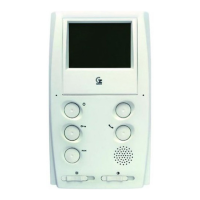
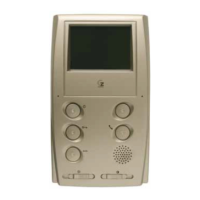
Details the function of each push-button and adjustment on the monitor unit.
Instructions for assembling and removing the upper and lower covers of the street panel.
Covers attaching the wall base and assembling the monitor unit onto it.
Details the steps to unclip and remove the monitor from its wall base.
Advice on choosing locations for monitors and telephones for best performance.
Illustrates the overall system wiring scheme and component connections.
Explains configuration for coaxial and twisted pair video installations.
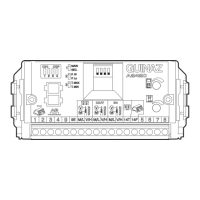
Details video termination resistance settings for wall base configuration.
Shows connection diagrams for coaxial cable installations with monitors.
Illustrates connection diagrams for twisted pair cable installations.
Identifies power supply, signal, and coaxial cables used in the system.
Provides minimum wire sections and distances for system connections.
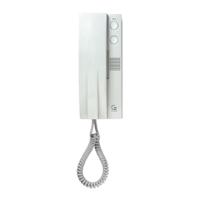
Details the wiring for installing a supplementary telephone unit.
Shows wiring for installing a supplementary monitor unit.
Example of distributing video signals in a cascade configuration.
Illustrates video signal distribution using coaxial cable and distributors.
Shows video signal distribution using twisted pair cable and distributors.
Addresses issues where the entire system or parts of it are not working.
Covers problems with the monitor displaying no image or a distorted image.
Addresses problems related to audio communication and door opener functionality.
Troubleshoots the lack of lighting in the camera module.
 General
| Brand | Guinaz |
|---|---|
| Model | M2710D |
| Category | Intercom System |
| Language | English |

 To Next Page