Need help?
Do you have a question about the GunVault GV1000C-DLX and is the answer not in the manual?
Safes are serviceable at the factory only. Tampering voids warranties and may cause failure.
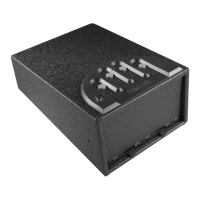
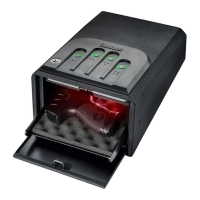
Details on the 16-gauge steel construction, pry-resistant doors, and standard/deluxe features.
Instructions on how to find and carefully remove the battery tray from the safe's ceiling.
Steps for choosing and programming a new personal access code, including practice.
How the safe signals low battery and the importance of annual replacement.
 General
| Model | GV1000C-DLX |
|---|---|
| Category | Safes |
| Power Source | 9V battery |
| Construction | 16-gauge steel |
| Foam Lining | Yes |
| Color | Black |
| Material | Steel |
| Lock Type | Biometric Fingerprint Lock |
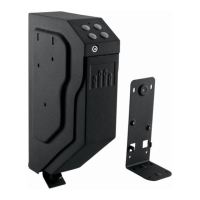
| Mounting | Mountable |
| Interior Capacity | 1 handgun |

 To Next Page