
 Need help?
Do you have a question about the Gussi G4-RM5500 and is the answer not in the manual?
Details on drilling holes and securing the stereo using the metal mounting bracket.
Diagram and explanation for ISO connection and speaker wiring.
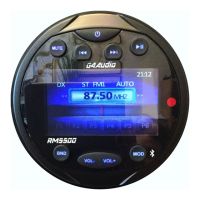
Identifies and labels the buttons on the main unit.
Instructions on how to turn the unit on and off.
Guide to accessing and navigating the main menu.
Instructions for accessing and using the setup menu.
Details on OSD Language, Time, Braking Sense, Radio Area, and Beep settings.
Configuration options for VSurround.
Adjustments for Aspect ratio.
Switching radio modes, selecting frequency bands, and tuning.
Procedure to reset the unit to factory default settings.
Playing music and video files from a USB drive.
Connecting and operating external audio/video sources.
Equalization, Mute, and Loudness controls.
Pairing and playing audio via Bluetooth.
Detailed explanation of each button on the remote control.
Specifications for FM tuning range and unit sensitivity.
Details on S/N ratio, stereo separation, and frequency response.
 General
| Brand | Gussi |
|---|---|
| Model | G4-RM5500 |
| Category | Marine Radio |
| Language | English |

 To Next Page