
 Need help?
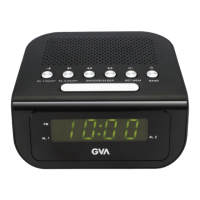
Do you have a question about the GVA GVACR972 and is the answer not in the manual?
Connects the AC power cord to a household outlet and describes the battery backup system.
Instructions for setting the clock's hour format and current time.
Steps to set alarm times, sound modes, and volume for the clock radio.
How to turn the radio on/off, switch bands, and select stations.
Procedure for setting and recalling preset radio stations.
How to activate and adjust the sleep timer for listening to the radio.
Instructions for activating the snooze feature when the alarm rings.
Guidance on resetting the appliance in case of erratic operation due to ESD or power surge.
 General
| Brand | GVA |
|---|---|
| Model | GVACR972 |
| Category | Clock Radio |
| Language | English |

 To Next Page