
 Need help?
Do you have a question about the GVS K-BUS BNIP-00 and is the answer not in the manual?
Provides the physical dimensions of the device with clear measurement indicators for installation.
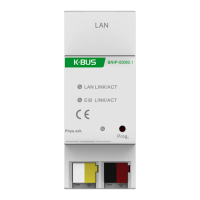
Illustrates the electrical connections required for the device, including LED indicators and terminals.
Details the 'General' parameter window in ETS for setting device information like company and project names, and DNS server.
Explains how to use the 5 additional physical addresses for tunneling connections with ETS or other clients.
Details KNX Secure standard, project password requirements, and the use of commissioning keys (FDSK) for secure device commissioning.
Explains how to reset the device to factory settings and unload the application while retaining or deleting specific configurations.
Details the procedure for reading device information within the ETS project by navigating through menus and selecting 'Device Info'.
 General
| Brand | GVS |
|---|---|
| Model | K-BUS BNIP-00 |
| Category | Recording Equipment |
| Language | English |

 To Next Page

