1 Conrming Compatibility
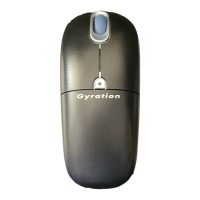
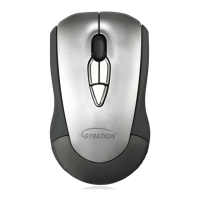
Air Mouse
®
Presenter is designed for
Windows
®
or OS X
®
computers that support
USB capability. Confirm that your system
offers an accessible USB port.
2 Inserting the Batteries
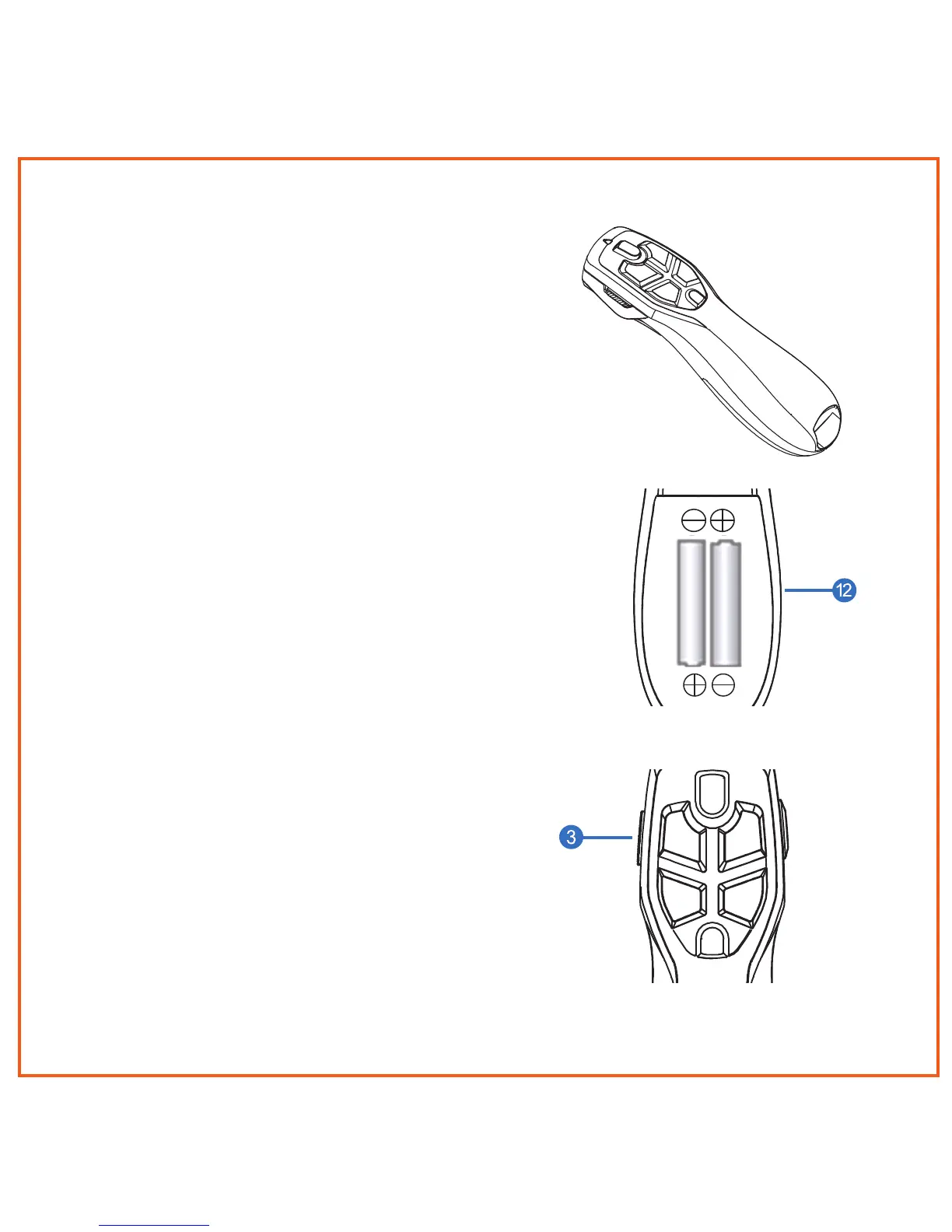
Removing the mouse battery door (12),
insert the AAA batteries (supplied), aligning
them with the positive and negative legends
in the battery bay
3 Installation & Basic Operation
Your Air Mouse
®
Presenter is designed
for use with today’s leading presentation
software including PowerPoint
®
and Keynote
®
for both Windows
®
or OS X
®
computers.
To install, just plug the Receiver Dongle into
an available USB port and turn the remote
ON using the On/Off switch (3). Use Next
Slide, Previous Slide, and Blank Screen
buttons to control your presentation slides.
Getting Started
4.


 To Next Page