EasyManua.ls Logo

Gyrus Acmi PlasmaKinetic - User Manual

Gyrus Acmi PlasmaKinetic
60 pages
Print Icon
To Next Page IconTo Next Page
Loading...
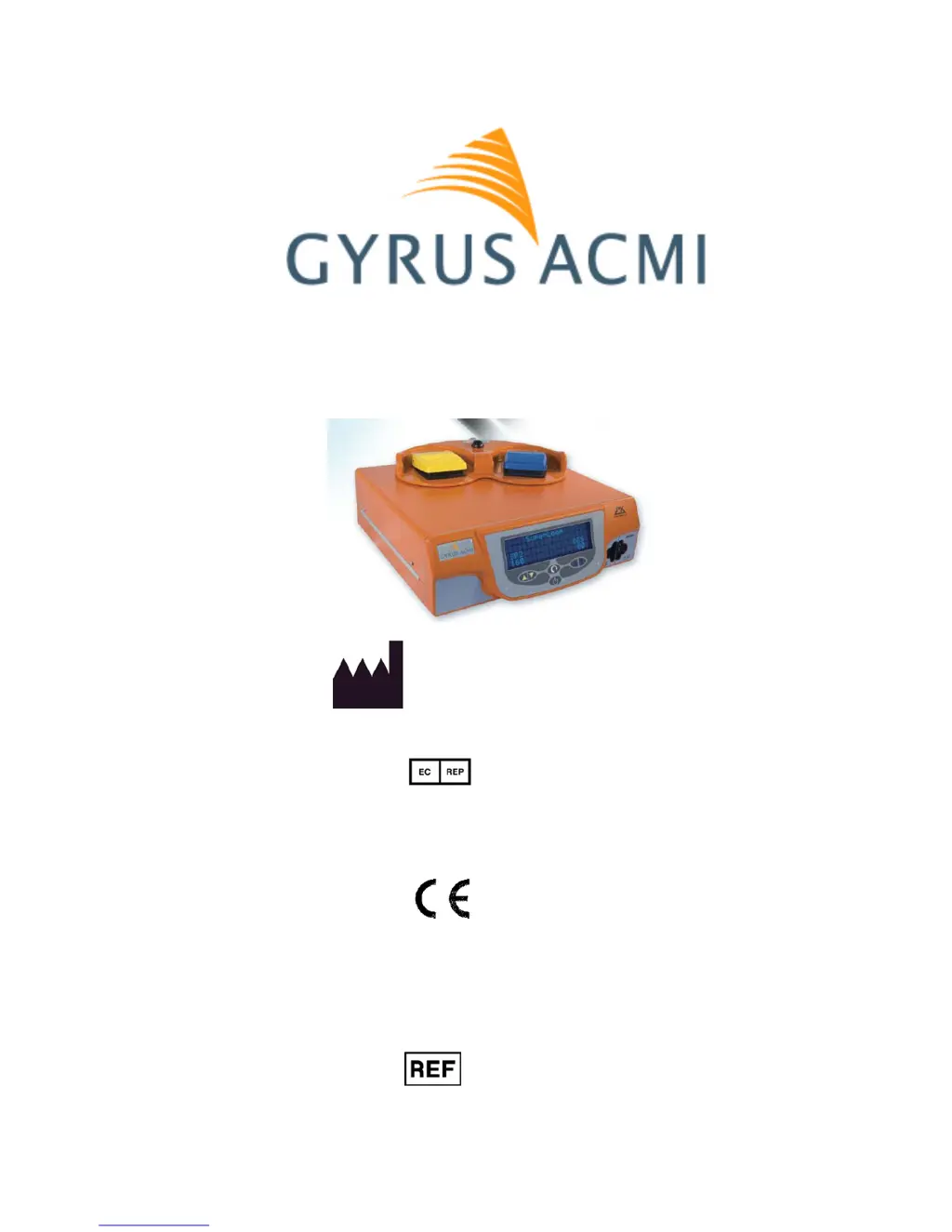
PlasmaKinetic SuperPulse Generator
USER MANUAL
Manufactured for:
Gyrus ACMI,
136 Turnpike Road
Southborough
MA 01772-2104
USA
Gyrus Medical Ltd
St Mellons
Cardiff
CF3 0LT
United Kingdom
Rx only
Customer Service USA:
Customer Service: 1-888-524-7266
Technical Service: 1-800-621-3739
www.gyrusacmi.com
744000
Part Number: 114020-LB
2011-02
0344

Questions and Answers

  • K
    Kaitlyn AnthonyAug 16, 2025
    What to do if Gyrus Acmi Inverter generator displays an error message during activation?
    • S
      Stephanie PatelAug 17, 2025
      If the Gyrus Acmi Inverter generator displays an error message during activation, take the following steps: * Check for activation of the instrument within the working channel or sheath. * Ensure there was no contact with other equipment during activation, such as a cystoscope or other instrumentation. * Remove the instrument from the operative site and inspect both it and the cystoscope for damage. * Reset the generator from the black mode footswitch. * Check the accessories by activating the instrument in irrigating fluid contained in a bowl or similar, remote from patient contact before proceeding with surgery. * If the fault recurs, first replace the instrument and recheck.
  • T
    Tammie DanielsAug 19, 2025
    What to do if Gyrus Acmi Inverter generator flashes “Insert Device” or “Invalid Accessory” after instrument attached?
    • K
      Kelly JohnsonAug 20, 2025
      If the Gyrus Acmi Inverter generator flashes “Insert Device” or “Invalid Accessory” after the instrument is attached: * Ensure the connector cable contacts are clean and dry and have not been damaged during reprocessing. * Check instrument and cable integrity. * Make sure that only approved instruments and accessories are being used. * Move cables away from any possible source of interference, for example, other active electrosurgical systems. * Ensure the Olympus TURis connector cable is inserted in the right hand SuperPulse socket.
  • E
    Eric TorresAug 22, 2025
    What to do if Gyrus Acmi Inverter generator overheats?
    • B
      Bryan PowellAug 22, 2025
      If the Gyrus Acmi Inverter generator overheats, allow the generator to cool down before re-use. Also, check that sufficient ventilation is provided around the generator and ensure the ambient temperature is within operating limits.
  • A
    Amber StuartAug 25, 2025
    What to do if Gyrus Acmi Inverter generator flashes “Attach PK Cable” after cable inserted?
    • D
      Dustin LoweAug 26, 2025
      If the Gyrus Acmi Inverter generator flashes “Attach PK Cable” after the cable is inserted: * Verify that the cable connector is fully inserted. * Check for damage to the cable flex. * Remove the connector and inspect the pins for damage. * Ensure that only approved accessories are being used.
  • S
    Sandra RodriguezAug 27, 2025
    What to do if Gyrus Acmi Inverter generator displays “CHECK IRRIGANT/CABLE”?
    • V
      Veronica MccormickAug 27, 2025
      If the Gyrus Acmi Inverter generator displays “CHECK IRRIGANT/CABLE”, ensure only saline is used as the irrigant and that both cable connections at the Olympus Resectoscope are secure.
  • J
    Joshua PooleAug 30, 2025
    How to adjust the alarm tone volume on a Gyrus Acmi Inverter?
    • A
      Andrea HernandezAug 30, 2025
      To re-adjust the volume on the Gyrus Acmi Inverter, use the Mode / Menu button. The generator will remember the last volume setting used.
  • C
    Craig WattsSep 2, 2025
    What to do if Gyrus Acmi Inverter has no output power?
    • J
      James ChungSep 2, 2025
      If the Gyrus Acmi Inverter has no output power, check the cable and instrument connections.
  • A
    Alexandra PorterSep 5, 2025
    What does it mean if Gyrus Acmi Inverter generator displays “Press mode to use” when attempting to activate?
    • D
      Deborah DavisSep 5, 2025
      If the Gyrus Acmi Inverter generator displays “Press mode to use” when attempting to activate, it means the generator has detected external interference and requires user confirmation of the instrument type. Press either the Mode / Menu button on the generator or the black mode footswitch to confirm.
  • K
    kristen61Sep 8, 2025
    What to do if Gyrus Acmi Inverter generator flashes “SP ELECTRODE IN LHS” after instrument attached?
    • J
      Justin WilliamsonSep 8, 2025
      If the Gyrus Acmi Inverter generator flashes “SP ELECTRODE IN LHS” after the instrument is attached: * Ensure that any SP supported instrument is only connected to the Right Hand Side, SP/PK socket. * Check for damage to cable flex and instrument. * Move cables away from any possible source of interference, e.g. other active electrosurgical systems.
  • B
    bonniebrewerSep 10, 2025
    What to check if Gyrus Acmi Inverter is unable to activate the generator?
    • M
      Mitchell DaughertySep 12, 2025
      If you are unable to activate the generator of Gyrus Acmi Inverter, check the footswitch for damage and ensure an approved footswitch is attached.

Summary

Section 1: Introduction to the SuperPulse Generator

Overview of the SuperPulse System

Describes the system and its use in urological endoscopy.

Comparison with Conventional Electrosurgery

Explains how PlasmaKinetic™ technology differs from traditional electrosurgery.

Indications and Contraindications

Lists intended applications and conditions where the device should not be used.

System Description

Outlines the components of the SuperPulse Endourology System.

Section 2: Patient and Operating Room Safety

General Safety Precautions

Covers essential safety warnings and precautions for operating room use.

Servicing, Disposal, and EMC

Guidelines for maintenance, disposal, and electromagnetic compatibility.

Fire, Explosion, and Pre-Surgery Safety

Details fire hazards and crucial safety checks before surgery.

During and After Surgery Safety

Covers critical safety during and after surgical procedures.

Section 3: Installation and Initial Setup

Manufacturer Responsibility and Requirements

Defines manufacturer's responsibilities and installation requirements.

Power, Grounding, and Maintenance

Details power needs, grounding, and routine maintenance procedures.

Section 4: General Information and Operation

Generator Indicators, Displays, and Controls

Explains generator interface, indicators, and control functions.

Output Modes, Power Settings, and TURis Mode

Details output modes, power adjustments, and Olympus TURis compatibility.

Malfunction Displays and Language Settings

Covers error displays, troubleshooting, and changing the display language.

Enabling Instruments and Generator Connections

Process for enabling instruments via PIN and connector identification.

Section 5: Before Surgery Procedures

Powering Up and Instrument Selection

Steps for powering up the generator and selecting the correct instrument.

Sterilization and Cable Connections

Procedures for sterilizing equipment and connecting cables.

Attaching Instruments to the Generator

Steps for connecting PlasmaKinetic™ and TURis instruments.

Section 6: During Surgery Operations

Surgical Recommendations and Accessories

Advice for safe and effective use, and approved accessories.

Plasma Kinetic, SuperPulse, and Thermo Kinetic Modes

Explanation of different output modes and their effects.

Changing Instruments and Output Settings

Procedures for modifying settings and switching instruments during surgery.

Section 7: Performance Optimization Techniques

Optimizing Tissue Removal and Hemostasis

Techniques for efficient tissue removal and improved hemostasis.

Irrigation and Stricture Management

Importance of irrigation flow and precautions for strictures.

Section 8: After Surgery Procedures

Resectoscope and Cystoscope Instrument Handling

Steps for handling instruments after surgery.

Cleaning and Sterilization of Components

Procedures for cleaning cables, footswitch, and the generator.

Section 9: Operating Room Troubleshooting Guide

Common Output and Activation Issues

Addresses problems like no output power or activation failures.

Display, Error, and Interference Issues

Covers display errors, faults, alarms, and interference.

Instrument Connection and Overheating Problems

Solutions for connection errors and generator overheating.

Section 10: Performance Specifications

Environmental, Power, and EMC Specifications

Details operating conditions, power, weight, and EMC compliance.

Output Waveforms, Voltages, and Load Curves

Describes waveforms, voltage limits, and graphical performance data.

Section 11: Error and Fault Code Interpretation

Fault Reporting Levels and Symbols

Explains fault types (Soft, Recoverable, Fatal) and associated symbols.

Detailed Error Code Listings

Provides a comprehensive list of error codes, references, and descriptions.

Section 12: Explanation of Symbols

Safety, Warning, and RF Symbols

Defines symbols related to safety, warnings, and radio frequency energy.

Equipment, Quantity, and Usage Symbols

Explains symbols for quantity, manufacturing origin, and prescription status.

Section 13: Periodic Equipment Safety Checks

Scheduled Safety Inspection Guidelines

Outlines mandatory safety checks for generator and footswitch.

Electrical and RF Output Testing Procedures

Details methods for testing electrical integrity and RF output power.

Section 14: EMC Tables and Guidance

Electromagnetic Emissions Compliance

Provides information on RF and harmonic emissions compliance standards.

Electromagnetic Immunity and RF Separation

Details immunity requirements and RF communication separation distances.

Section 15: Limited Warranty Information

Warranty Terms and Conditions

Outlines the manufacturer's warranty coverage, limitations, and contact information.

Section 16: UL Approval and Precautions

UL Classification and Hazard Information

Specifies the UL classification for electrical safety and identified hazards.

Power Cord and Fuse Replacement Cautions

Cautions regarding the correct power cord usage and fuse replacement.

Gyrus Acmi PlasmaKinetic Specifications

General IconGeneral
BrandGyrus Acmi
ModelPlasmaKinetic
CategoryInverter
LanguageEnglish

Related product manuals