EasyManua.ls Logo

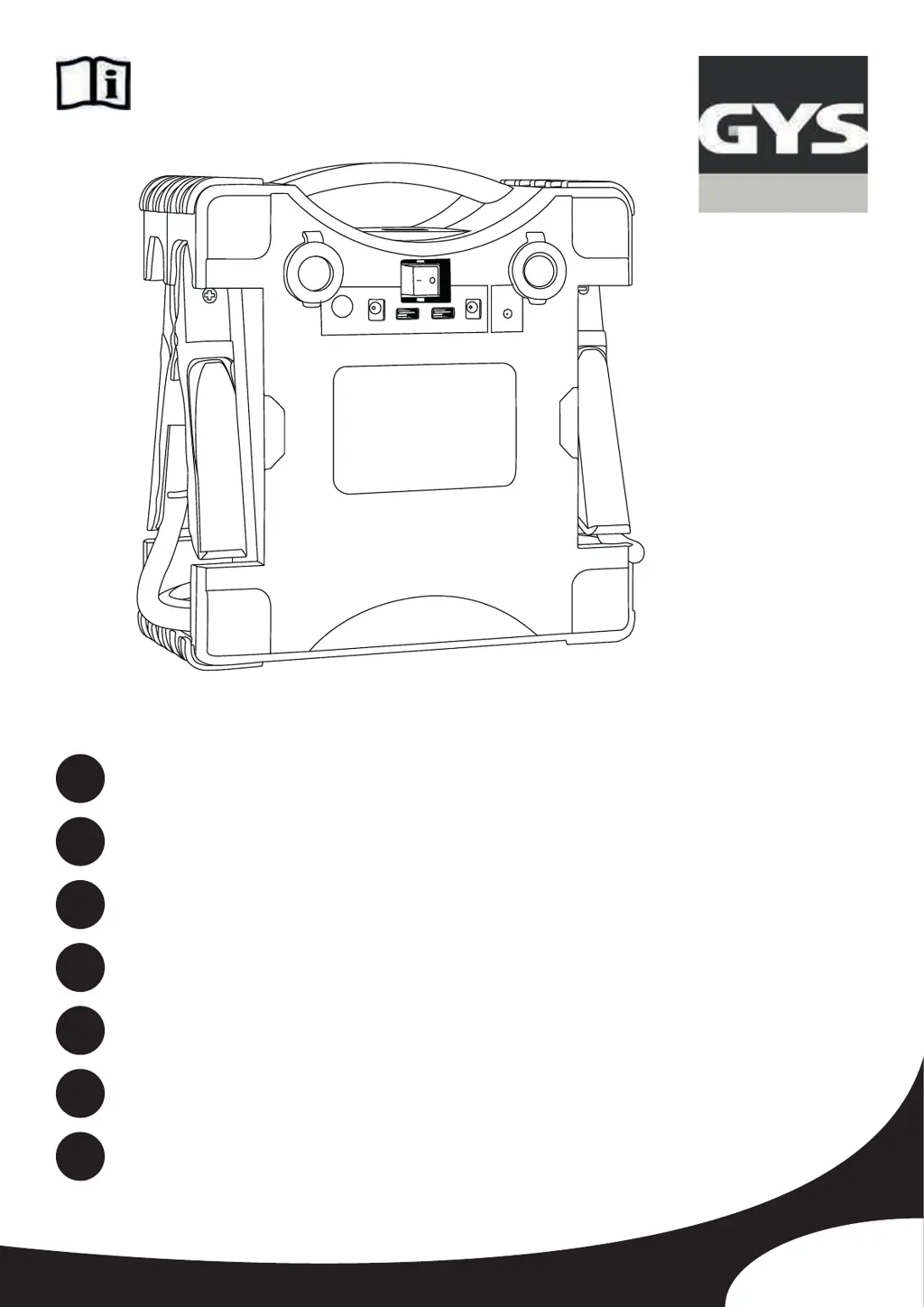
GYS NOMAD POWER PRO 12XL - User Manual

GYS NOMAD POWER PRO 12XL
46 pages
Go to English
Print Icon
To Next Page IconTo Next Page
Loading...
V1_04/12/2020
FR
2 / 3-8 / 45-46
www.gys.fr
EN
2 / 9-14 / 45-46
NOMAD POWER
PRO 12XL
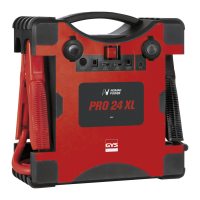
PRO 24XL
DE
2 / 15-20 / 45-46
ES
2 / 21-26 / 45-46
RU
2 / 27-32 / 45-46
NL
2 / 33-38 / 45-46
IT
2 / 39-44 / 45-46

Questions and Answers

  • M
    Melissa LopezAug 4, 2025
    What to do if a fixed red "8" appears on the GYS NOMAD POWER PRO 12XL Controller screen with an alarm?
    • B
      Brianna JonesAug 4, 2025
      If a fixed red "8" appears on the LCD screen of your GYS Controller, when the clamps are connected, and an alarm sounds, it indicates a polarity reversal. To resolve this, check the battery polarity, ensuring the red clamp is connected to the positive battery terminal (+) and the black clamp to the negative (-).
  • M
    Michelle Wright DVMAug 8, 2025
    What to do if GYS NOMAD POWER PRO 12XL Controller shows a fixed red "8" and alarm due to a short circuit?
    • M
      Michael StarkAug 8, 2025
      If a fixed red "8" appears on the LCD screen of your GYS Controller, when the clamps are connected, and an alarm sounds, it could be due to a short circuit caused by a damaged battery. In this case, you should replace the battery.
  • E
    Eric HenryAug 14, 2025
    How to fix a black screen on my GYS NOMAD POWER PRO 12XL?
    • M
      Marilyn RodriguezAug 14, 2025
      If the screen of your GYS Controller is black and shows nothing, it might be in sleep mode. Press the ON/OFF button or toggle the main switch to the OFF position and then back to the ON position. This should reactivate the screen.
  • T
    Tyler WhitneyAug 18, 2025
    What to do if GYS Controller shows a fixed red "8" immediately after switching on?
    • T
      Timothy WashingtonAug 19, 2025
      If a fixed red "8" appears on the LCD screen of your GYS Controller as soon as the booster switches on, it indicates that the battery is heavily discharged (less than 4V). To solve this, replace the vehicle battery.
  • S
    Stacey HernandezAug 25, 2025
    Why does my GYS NOMAD POWER PRO 12XL Controller show a red "8" and alarm due to thermal protection?
    • B
      brianna74Aug 25, 2025
      If a fixed red "8" appears on the LCD screen of your GYS Controller, when the clamps are connected, and an alarm sounds, it may be due to the thermal protection of the booster being activated. This happens when the charger overheats because the ambient temperature is high. Wait a few minutes for the booster to cool down before attempting to start it again.
  • K
    Kathryn Singh DVMAug 28, 2025
    Why does my GYS NOMAD POWER PRO 12XL display a flashing red and green "8" on each connection?
    • A
      Ashley GarciaAug 28, 2025
      If each connection causes a flashing red and green "8" to appear on the display of your GYS Controller, it means the booster isn't detecting a battery. To resolve this, turn on the lights or the radio in the vehicle so that the NOMAD POWER detects a current load and activates.

Summary

Nomad Power Product Overview

Product Interface Details

Safety Instructions and Precautions

General Safety Guidelines

Covers safe operation, child usage, and environmental limitations.

Charging and Battery Safety

Warnings regarding battery charging, damage, and temperature.

Explosion and Fire Risk Warnings

Precautions against explosive gas emission from batteries.

Acid Projection Hazards

Safety measures for handling battery acid and potential contact.

Maintenance, Regulations, and Disposal

Maintenance and Cleaning

Guidelines for servicing, cleaning, and cable replacement.

Compliance and Standards

Details on European, British, and Moroccan compliance marks.

Product Disposal Instructions

Procedures for environmentally responsible disposal of the product.

Product Description and Features

Device Functions Overview

Explains vehicle starting, power supply, and lighting capabilities.

LCD Screen Information

Description of display indicators and battery charge percentage.

Internal Battery Charging Guide

Instructions for charging the device using AC or car adapter.

Operational Usage Guide

Strap Fastening Method

Instructions for securing the device using the safety strap.

Using as a Booster

Step-by-step guide for jump-starting a vehicle's engine.

Advanced Device Functions

Booster Internal Battery Power

Using the internal battery as a primary power source for starting.

Charging Mobile Devices

Connecting and charging phones and tablets via USB ports.

12 V Power Supply Connections

How to supply power to 12V accessories via cigarette lighter ports.

Troubleshooting and Warranty

Flashlight Operation

How to activate and cycle through flashlight modes.

PRO 12 XL Fault Codes

List of error codes and their meanings for the PRO 12XL model.

PRO 24 XL Problem Solving

Solutions for common issues encountered with the PRO 24XL model.

Product Warranty Details

Information on warranty coverage, duration, and exclusions.

Technical Specifications

Compliance and Contact Information

RoHS Directive Compliance

Confirmation of compliance with the Restriction of Hazardous Substances directive.

Responsible Product Disposal

Guidelines for disposing of the product at authorized recycling facilities.

GYS NOMAD POWER PRO 12XL Specifications

General IconGeneral
Power Output12V
Voltage12 V
Frequency50/60 Hz
CoolingFan
Input Voltage230 V
ProtectionAgainst short circuits, polarity reversal and excessive currents

Related product manuals