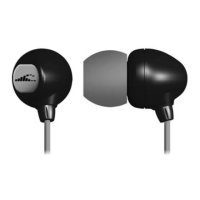
BUTTONS
POWER ON/OFF: Press for 3 seconds
PLAY/PAUSE music
+ / - BUTTONS:
Click to Adjust volume up or down
Double click to Skip to next song
While the music is playing – Press and hold
for Fast Forward or Rewind
MODE BUTTON
Press M Button:
Switch between MP3 Mode and Bluetooth
Mode
2-CLICK M BUTTON:
If you have added music folders in the SONAR
memory – you can advance to the next folder
by double clicking M button


 To Next Page