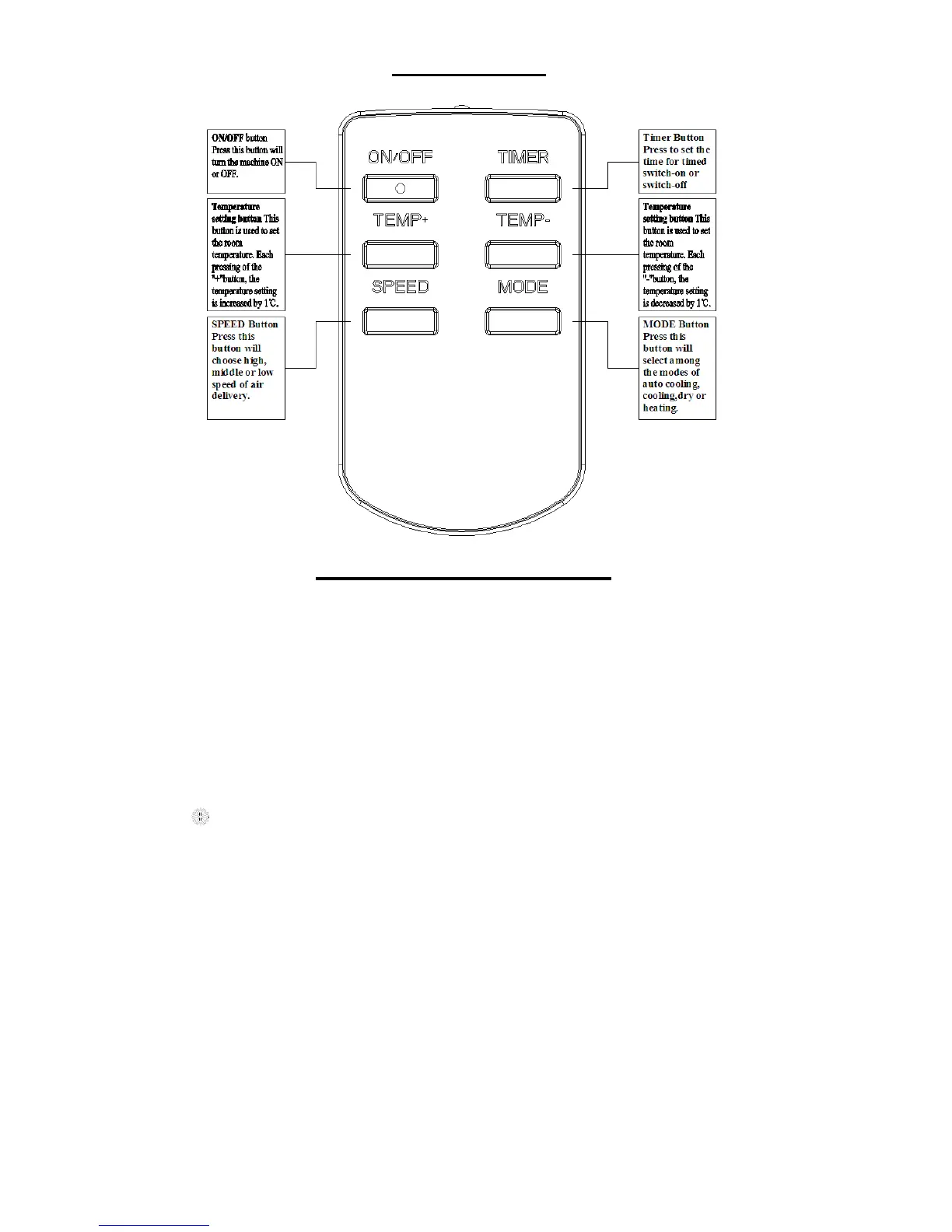
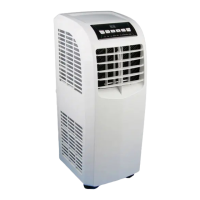
CONTROLLER
USE OF CONTROL PANEL
POWER SOURCE
The AC socket must be firm and reliable.
Don’t connect the portable air-conditioner to a multiply socket outlet which is also being used
for other electrical appliances.
Insert the AC power plug securely into the AC socket before using the unit, when it beeps after
two seconds, press ”ON/OFF” button, the unit begins to run.
COOLING OPERATION
1. Repeatedly press ”MODE” button to choose the cooling mode, LED window will show
“ ”. During the cooling operation, always place the duct through an open window to
exhaust warm air from the room.
2. Repeatedly press ”TEMP+” or “TEMP-“ button to set a proper room TEMP. at 16
0
C-31
0
C.
3. Press “SPEED” button to choose a proper fan speed, high, middle, low speed.
NOTE:
In order to improve the cooling efficiency, be careful that:
a) If your room is directly exposed to the sun, draw the curtains please.
b) Do not place near other heat source.
DEHUMIDIFYING OPERATION
1. Keep the windows and the doors closed to aid in effectively dehumidifying
the room.
2. Repeatedly press the “MODE” button to choose the dehumidifying mode,


 To Next Page