EasyManua.ls Logo

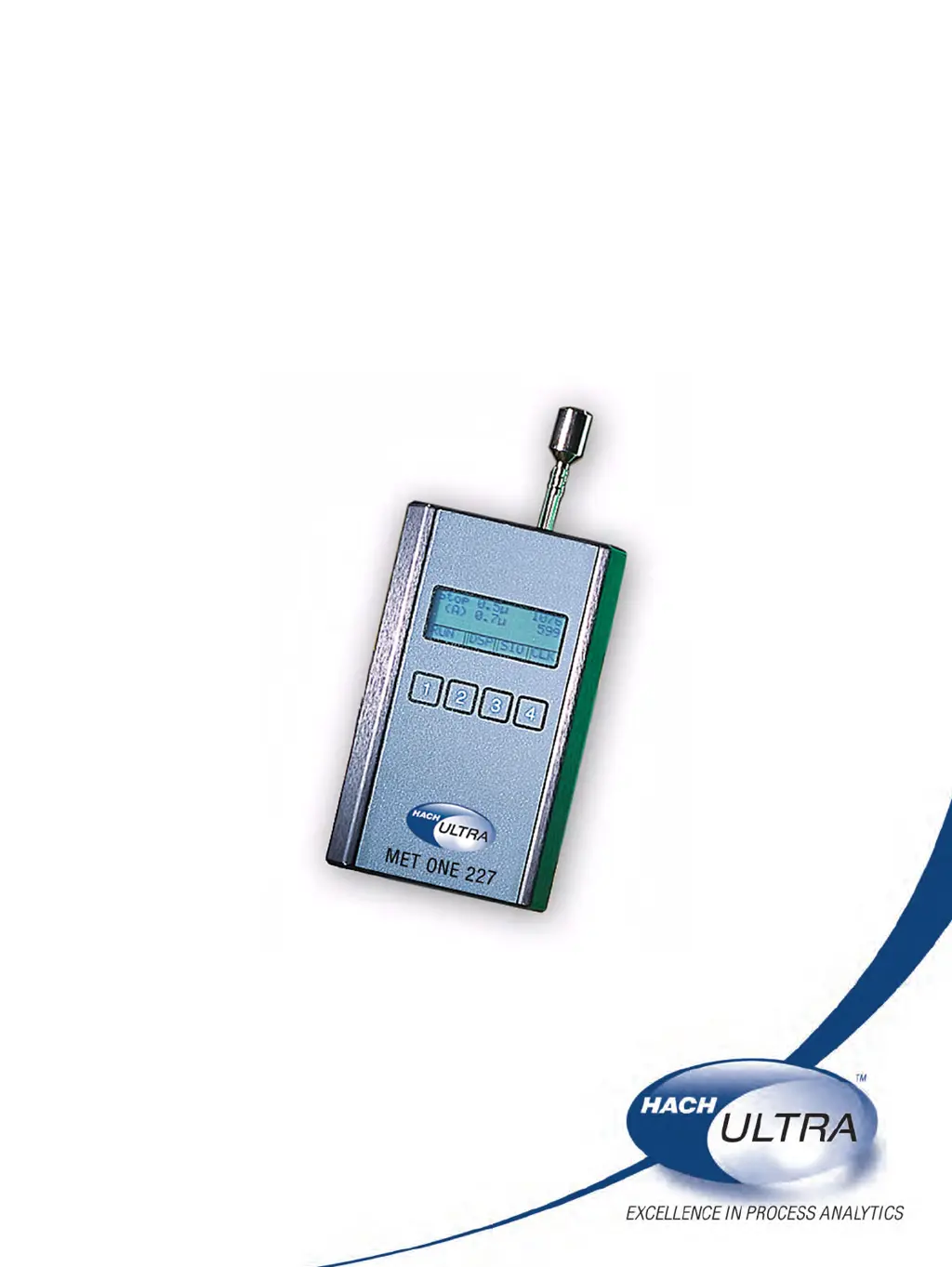
Hach Ultra MET ONE 227 - User Manual

Hach Ultra MET ONE 227
59 pages
Print Icon
To Next Page IconTo Next Page
Loading...
701094
MET ONE 227
Particle Counter
USER MANUAL
May 2008, Edition 6
Test Equipment Depot - 800.517.8431 - 99 Washington Street Melrose, MA 02176 - TestEquipmentDepot.com

Table of Contents

Questions and Answers

  • M
    Mrs. Jennifer HarmonAug 9, 2025
    What to do if Hach Ultra MET ONE 227 shows 'Sensor Fail!'?
    • M
      mitchellobrienAug 9, 2025
      If the Hach Ultra Cash Counter displays 'Sensor Fail!', it is often due to sensor contamination. Try purging the sensor by attaching the supplied purge filter to the sensor inlet on top of the counter. Place the counter on the stand, connect the AC adapter/charger, and set the counter to Automatic mode with infinite cycles (INF). Press RUN and watch the particle count display. If the counts are high but decreasing, let the counter run until the counts stabilize near zero. If the alarm continues or counts don't reach zero, clean the sensor (refer to section 5.2 on page 29).
  • J
    James CaseyAug 23, 2025
    What to do if Hach Ultra Cash Counter shows 'Low Battery!'?
    • J
      jefferydickersonAug 23, 2025
      If the Hach Ultra Cash Counter displays 'Low Battery!', turn off the counter and connect the AC adapter/charger to the power input jack at the bottom. Place the counter on the charging stand or any stable surface and allow it to charge for 10 to 12 hours.

Hach Ultra MET ONE 227 Specifications

General IconGeneral
BrandHach Ultra
ModelMET ONE 227
CategoryCash Counter
LanguageEnglish