EasyManua.ls Logo

Hach Ultra MET ONE 237AB - User Manual

Hach Ultra MET ONE 237AB
57 pages
Print Icon
To Next Page IconTo Next Page
Loading...
701076
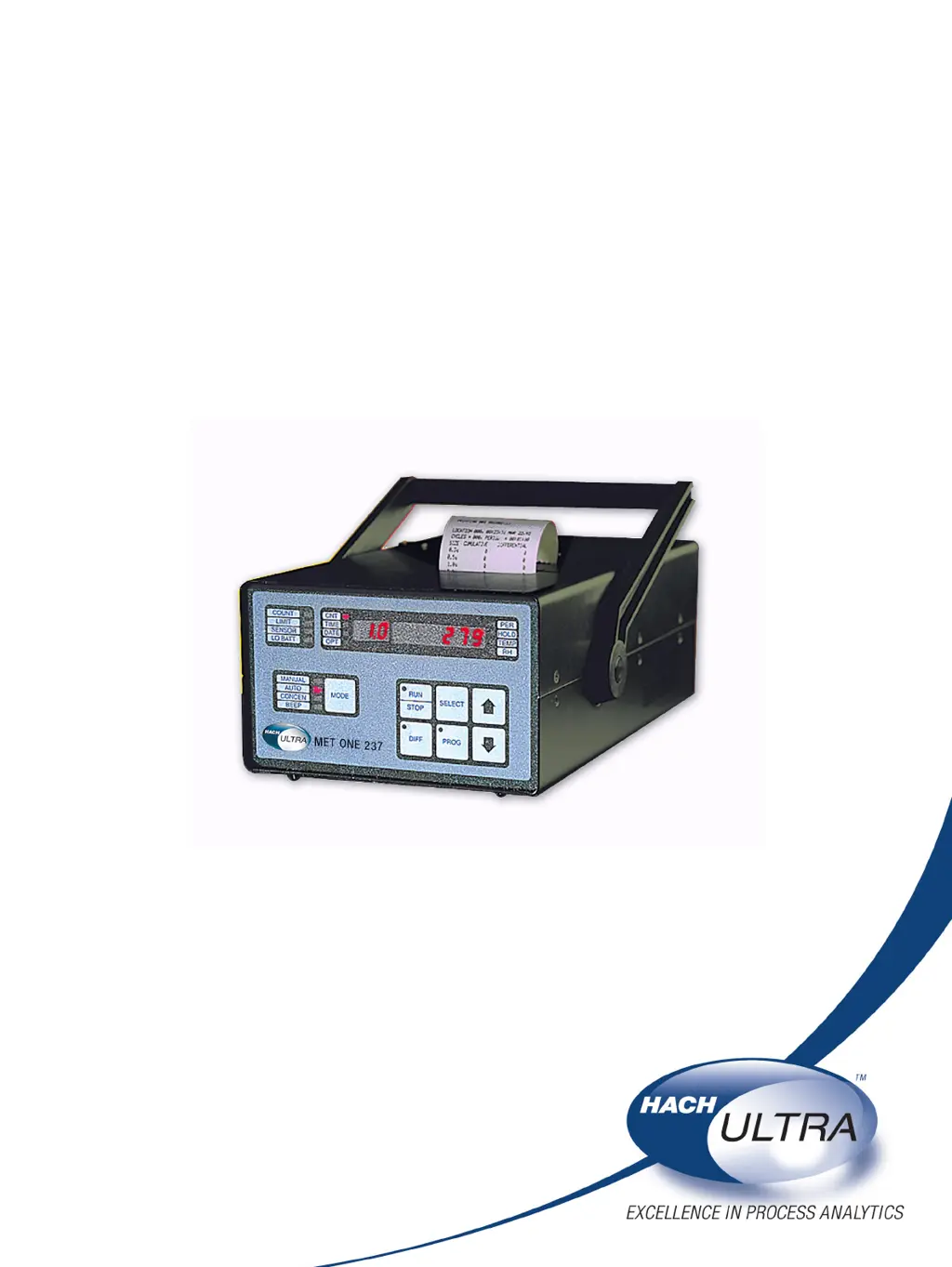
MET ONE 237AB Particle Detector
USER MANUAL
June 2008, Edition 5

Table of Contents

Questions and Answers

  • Z
    zdavisAug 2, 2025
    What to do if Hach Ultra Security Sensors show SENSOR error?
    • Y
      Yvonne HayesAug 2, 2025
      The primary cause is sensor contamination. To resolve this, purge the Hach Ultra Security Sensors by attaching the purge filter to the sensor inlet. Then, place the counter on the stand and attach the AC adapter/charger to the power connection. Set the counter to Automatic mode and the number of cycles to infinite. Press RUN and observe the particle count display. If the count totals are high but descending, allow the counter to operate continuously until the counts stabilize at or near zero. If the alarm persists or the counts do not reach zero after an extended period, clean the sensor.
  • K
    Karen RossAug 16, 2025
    How to fix LO BATT on Hach Ultra MET ONE 237AB?
    • S
      Sarah NunezAug 16, 2025
      If the Hach Ultra Security Sensors display 'LO BATT', turn off the counter and attach the AC adapter/charger to the power input jack at the bottom. Place the counter on a stable surface and charge for 10–12 hours.

Summary

Section 1 Specifications

Section 2 General Information

2.1 Safety Information

Details hazard warnings, precautionary labels, laser, ESD, and battery safety.

Section 3 Installation

Section 4 System Start Up

4.1 Power Up

Instructions for turning on the particle counter and initial display checks.

Section 5 Operation

5.1 Front Panel Overview

Describes the layout and function of the front panel controls, indicators, and display.

5.2 Setup

Procedures for configuring parameters and settings before operating the instrument.

5.3 Counting Modes

Explains how to use Manual, Automatic, Concentration, and Beep counting modes.

Section 6 Maintenance

6.2 Clean the Sensor

Detailed instructions for cleaning the instrument's optical sensor assembly.

Section 7 Troubleshooting Procedures

7.1 Common Problems

Lists common LCD messages, their descriptions, and user-resolvable actions.

7.2 Reset the Counter

Procedure to reset the counter, clear memory, and restore normal operation.

Section 8 Replacement Parts and Accessories

Appendix A Optional Accessories

Appendix B Computer Interface Operations

Appendix C PortAll Software

Hach Ultra MET ONE 237AB Specifications

General IconGeneral
BrandHach Ultra
ModelMET ONE 237AB
CategorySecurity Sensors
LanguageEnglish