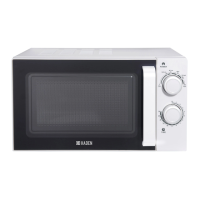
CONTROL PANEL
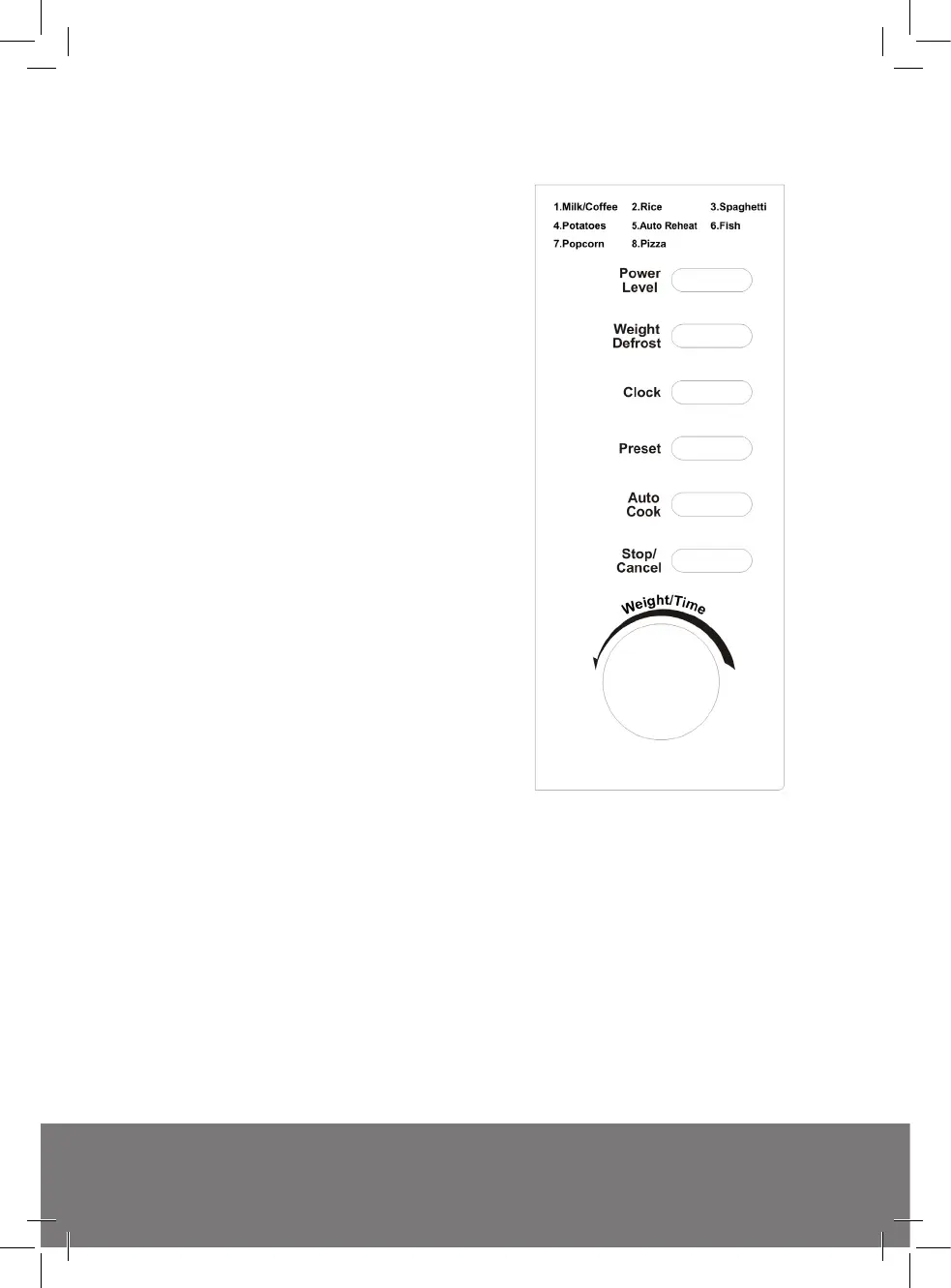
MENU ACTION SCREEN
• Cooking time, power, action
indicators, and clock time are
displayed.
• POWER LEVEL
• Touch this button a number of
times to set microwave cooking
power level.
• WEIGHT DEFROST
• Touch to defrost food by weight.
• CLOCK
• Touch this button to enter the
correct time of day.
• PRESET
• Touch to set a preset cooking
program.
• AUTO COOK
• Press for instant settings to cook
popular food.
• STOP/CANCEL
• Press to cancel setting or reset
the oven before setting a cooking
program.
• Press once to temporarily stop
cooking, or twice to cancel cooking
altogether.
• It is also used for setting child lock.
• WEIGHT/TIME
• Rotate the dial to input clock time,
cooking time or to enter food weight.
• START/QUICK START
• Touch to start a cook program.
• Simply touch it a number of times
to set cooking time and the oven will
cook immediately at full power level.
www.hadenappliances.com www.hadenappliances.com
15



 To Next Page